Digital Word Wall Writing Activity in Excel


- Year levels
- Pre-school (Early Years), Years 1–3
- File type
- Microsoft Excel
- Editable
- Yes


- Subject
- Spelling, Language Development, English
- Topic
- Digital Word Wall, Vocabulary
- Resource types
- Activities
- Editable
- Yes
From the author
About this resource
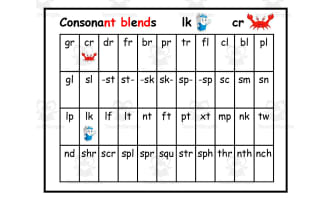
If your students are doing hybrid learning or have devices in the classroom, this Digital Word Wall Writing Activity is a fun way to practise vocabulary.
It is set up like a real word wall - except it is opened digitally in Excel.
Students will be able to type in new words under the appropriate columns.
Beneath the word wall, there is a sight word spelling and sentence writing activity.
Related resources
More resources teachers may find useful
More resources on the same subject and topic.

In the classroom
Teaching tips & learning objectives

Learning objectives
Spell the sight words see, I, you, me and to
Write an original sentence using each sight word
Sort new words by the letter they begin with

No reviews yet
Downloaded this resource? Tell other teachers how it went.
Resource details
Concepts & topics
Core concepts
 Core concepts
Sight words
Word wall
Sentence writing
 Topics
Explore more
Categories this resource belongs to
Explore related searches

More to explore