Visual Schedule Board with Easter Tokens for Speech Therapy


About This Product
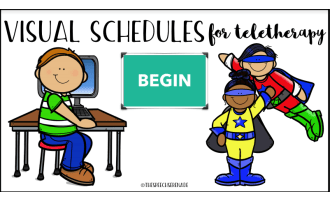
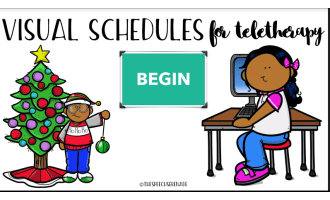
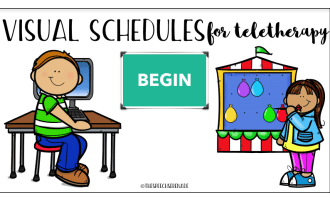
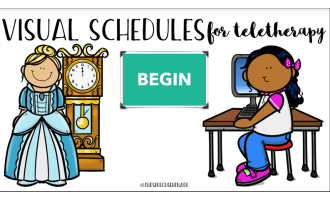
Editable Digital Visual Schedules with Tokens: Streamline Your Teaching Sessions
Educators constantly search for tools that make their work more efficient and effective. This is especially relevant for those working with students who require visual aids for learning. The Editable Digital Visual Schedules with Tokens caters to this need precisely.
This product is designed as an interactive PDF resource, streamlining the planning of speech therapy sessions. It provides both structure and predictability, proving invaluable for teachers in special education or when personalizing education plans.
The Fusion of a Token Board and a Visual schedule
- Learners that respond positively to reinforcement and task reminders will find this tool particularly helpful.
- It incorporates checkable boxes, fillable boxes, and clickable rewards – making it user-friendly.
Editability Points the Way Forward
- The teacher resource can be customized as deemed fit by educators due to its editable features: both clickable navigation links and image slots where custom screenshots can be inserted are examples enhancing adaptability significantly.
Versatility across Age Groups & Subject Areas:
Suitable from preschool through Grade 2, it has significant scope in terms of age coverage. While primarily used within Speech Therapy sessions, its versatile nature allows applicability across various activities!
Maintaining Continuity between Classroom & Home:
- This digital visual schedule lends itself well to use during whole group instruction or small group sessions — even sections could be set as homework assignments if applicable.
- All necessary credits are located on the final page ensuring a polished professional finish suitable for classroom or homeschooling use alike.
Take a moment to pose any pre-purchase inquiries or questions you have before purchasing. This ensures maximum satisfaction from its utilization, confirming the product's versatility and setting it apart from many other teaching resources in the market.
In conclusion, use of this Editable Digital Visual Schedules with Tokens can improve productive engagement during sessions while also increasing students' enjoyment of the learning experience. A real combination of functionality and adaptability - thus streamlining lesson planning while catering to diverse learner needs!
What's Included
Clickable Navigation Links
Clickable Image Boxes (Easily insert your own screen-shots)
Checkable Boxes
Fillable Boxes (Easily type labels)
Clickable Rewards
0 Reviews
Check out these other great products