If / Else (Unplugged Coding #4)

- Grades
- Grades 1–8, Elementary, Middle School
- File type
- Preparation
- Print ready


- Subject
- Science, Technology, Computer Science
- Topic
- Unplugged coding, Programming concepts
- Resource types
- Activities
- Preparation
- Print ready
About this resource
What's inside this resource
'If / Else (Unplugged Coding #4)' Teaching Resource
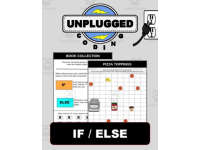
The 'If / Else (Unplugged Coding #4)' is an excellent resource for educators who are keen to introduce their students to the basics of programming or coding without using technological hardware. This is done through the unique learning method of unplugged coding- a method that empowers students to understand programming concepts via tangible, printable activities.
Mainly aimed at learners from Grade 1 through 8, the learning tool focuses on a major concept in programming- If/Else statements. The challenging logic present within these statements has been broken down into easily digestible chunks for easy understanding and accessibility.
Educational Implementation
This teaching resource can be seamlessly incorporated into different types of educational settings such as whole-group class teachings, small study group sessions or individual homework assignments. It can also complement digital platforms like code.org or Scratch perfectly by providing opportunities to simulate similar logic and strategies used there.
This extensive package includes:
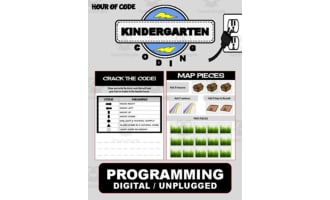
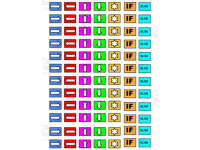
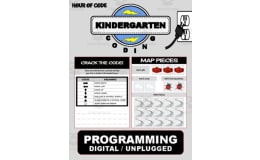
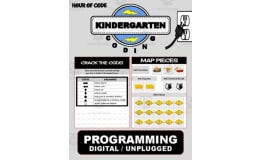
- An informative Commands Info Page that explains each command's utility within the puzzles.
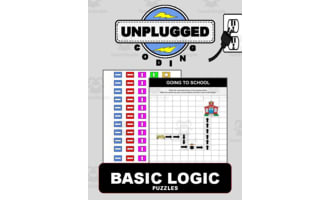
- Info about colorful command grids compatible with all logic puzzles in the package.
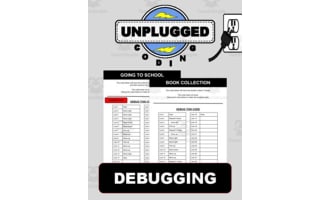
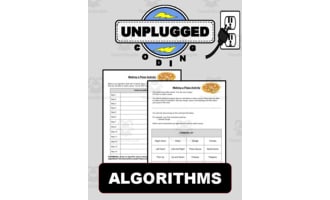
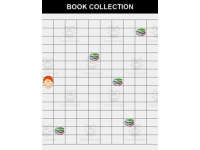
- Ten diverse Logic Challenges spanning across themes from food and school life to special holidays like Christmas and Halloween,
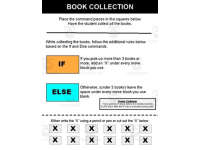
- An instructional guide accompanying each Logic Puzzle which includes extra blocks that can be cut out, encouraging flexible solutions as long as they adhere correctly with each command's rules.
Learners can employ critical thinking skills while solving real-world problems in code analogies thus progressing well beyond just Computer Science teaching scope. Please note: this product is delivered digitally in PDF format, making it easy for print when necessary.
Related resources
More resources teachers may find useful
24 related resources were found using this product's title, contributor, categories and tags.


In the classroom
Teaching tips & learning objectives

Learning objectives
- Apply an IF/ELSE condition to choose between two actions in a program
- Plan a sequence of movement and pick-up commands that completes a task

Teaching tips
- Check each solution by confirming every command follows its rule, since the puzzles accept more than one valid answer
- The bonus challenge on each puzzle could serve as an extension once the main solution works

Skills covered
- Conditional logic — placing IF and ELSE pieces to decide which action runs
- Sequencing commands — ordering move and pick-up pieces to collect items such as pizza toppings

No reviews yet
Downloaded this resource? Tell other teachers how it went.
Resource details
Concepts & topics
Core concepts
 Core concepts
- If/Else statements
- Conditionals
- Commands
- Unplugged coding
 Topics
Explore more
Categories this resource belongs to
Explore related searches
More to explore
You may also like