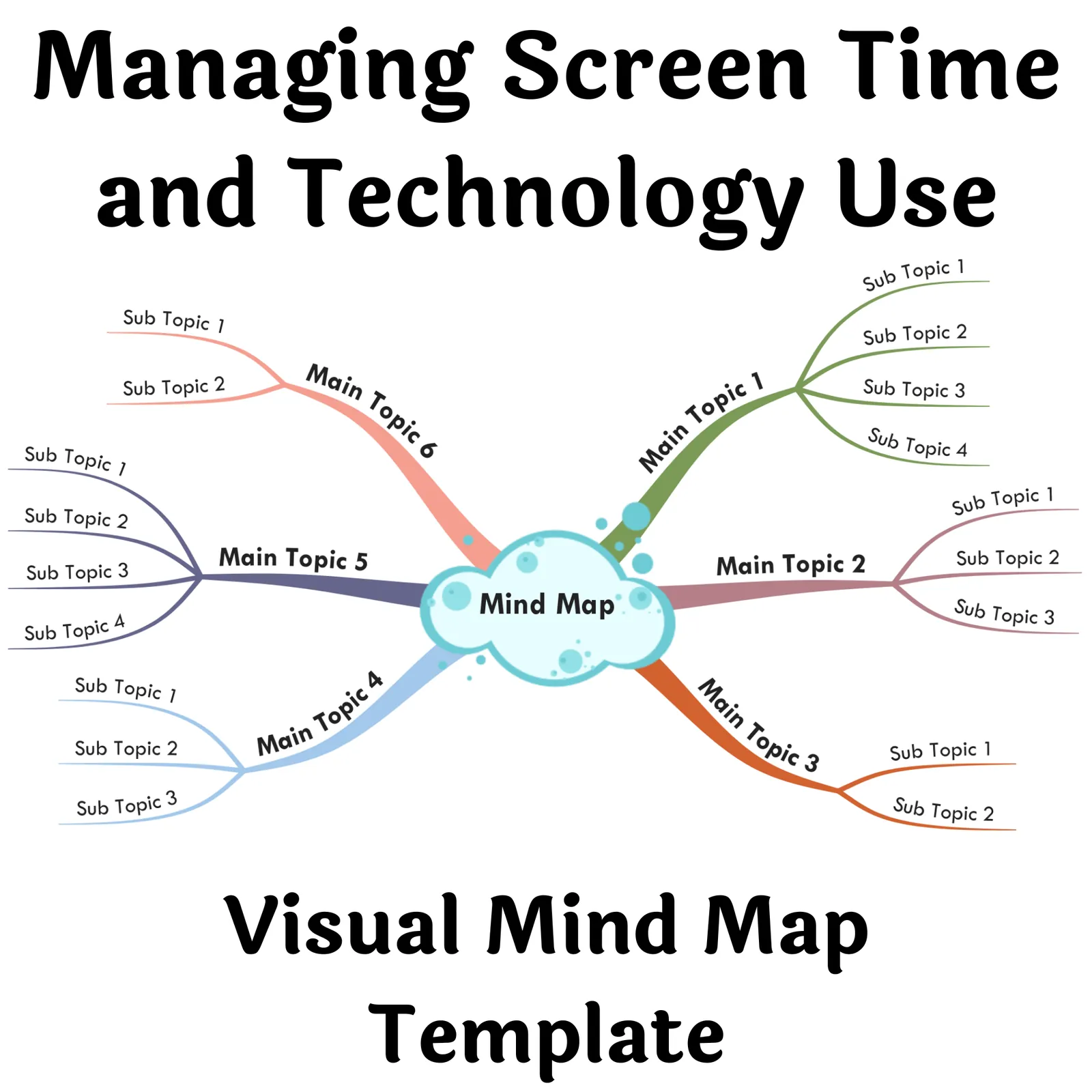
Managing Screen Time and Technology Use - Visual Mind Map (+Template)
- Grades
- Adult Education, Not Grade Specific
- File type
- Multiple File Types
- Editable
- Yes


- Subject
- Special Resources, Life Studies, Social Emotional Learning (SEL), Special Education Needs (SEN), Social Skills, Life Skills, Career, Coaching
- Topic
- screen time, technology use
- Resource types
- Diagrams, Teacher Tools
- Editable
- Yes
About this resource
What's inside this resource
Managing Screen Time and Technology Use - Visual Mind Map (+Template): A Vital Teaching Resource
This resource equips educators with the ability to teach children about concepts like safety, boundaries, privacy, personal space, and respect of others' limits. This is particularly significant considering the digital era we are living in where children have immense exposure to screen time and technology.
Concept Focused Rather Than Linearity
Incorporating visuals with short phrases, keywords and icons that entice ideas. Rather than focusing on linearity this visual mind map allows free flow of ideas triggering organic progression of thoughts.
Adaptable Across Various Learning Environments
This Visual Mind Map can be implemented in various learning setups – classroom instruction(interactive/online), small study groups or as homework assignments for independent learning. It serves as a tool inducing interaction among students either in-person or virtually online.
Mind Maps: Amplifying LearningListed below some benefits offered by mind maps:
- Catalyze understanding even complex topics by demonstrating connections between varied ideas under the same umbrella topic.
- Fostering faster recall after practice sessions mapping out visually.
- Beyond academics helpful in practical tasks like event organizing or brainstorming content creation – From Student Level up to CEO level!
- A Benefits of Mind Mapping pdf file,
- Template Link Download file for accessing Visual Mind Map
- Classic & Right Aligned versions of the repurposed HTML files (within a easy-to-access zipped folder).
Empowering Students Beyond Academics:
Apart from enhancing learning and comprehension; this resource cultivates valuable social-emotional cognizance among children. Skillsets that lay foundation for their long-term success – academically and professionally!
So why wait! Start incorporating the Managing Screen Time & Technology Use - Visual Mind Map (+Template) into your lessons. Discover how it can enhance not only your lesson plans but also equip your students with essential skills to navigate modern challenges effectively!Related resources
More resources teachers may find useful
24 related resources were found using this product's title, contributor, categories and tags.

In the classroom
Teaching tips & learning objectives

Teaching tips
Both guides make the same point twice over: read the map on a laptop or desktop rather than a phone, because it is wide rather than tall.
Run Copy and Edit into a Mindomo account before changing anything - a free account is enough, and it leaves the supplied version intact as a reference.
Collapse every branch first and open them one at a time; the number printed on each button says how much sits behind it before you commit to opening it.

Skills covered
Following a map's reading order - the primer sets the convention this map uses: start at the top right corner, follow the arrows and move clockwise until the circle is complete.
Controlling how much is on screen at once - the numbered button beside each branch folds or unfolds its sub-branches, and the number itself says how many are held inside.
Adapting a supplied structure - the map is issued as a template, so branches can be added with Enter, nested with Tab, removed with Delete and restyled by right-click.
Good to know
Questions teachers ask about this resource
Where does the reading start?
At the top right corner. The primer's How to Read a Mind Map page says to start there, follow the arrows, move clockwise and complete the circle. It also describes the structure being read: a central topic in the middle, sub-topics branching from it, and sub-categories branching from those.
What is needed to open the files?
A desktop web browser and nothing else. The guide names Google Chrome, Mozilla Firefox, Safari, Opera and Microsoft Edge, and says to open the files directly on a laptop or desktop. Editing is the only step that needs an account, and a free Mindomo account covers it.
Can the map be reshaped for a particular group?
Yes - it is supplied as a template for exactly that. After Copy and Edit, branches can be added, nested, deleted or restyled, and the guide invites buyers to add content, modify existing branches and remove any that are not relevant to their needs. Multiple branches can be selected together by holding Shift and dragging over them.

No reviews yet
Downloaded this resource? Tell other teachers how it went.
Resource details
Concepts & topics
Core concepts
 Core concepts
Mind mapping
Screen time
Technology use
 Topics
Explore more
Categories this resource belongs to
Explore related searches
More to explore
You may also like