7 Time Management Tips for Students – Mind Map
- Grades
- Not Grade Specific
- File type
- Multiple File Types


- Subject
- Special Resources, Life Studies, Social Emotional Learning (SEL), Life Skills, Strategies
- Topic
- Visual Mind Map, MindMap
- Resource types
- Diagrams
About this resource
What's inside this resource
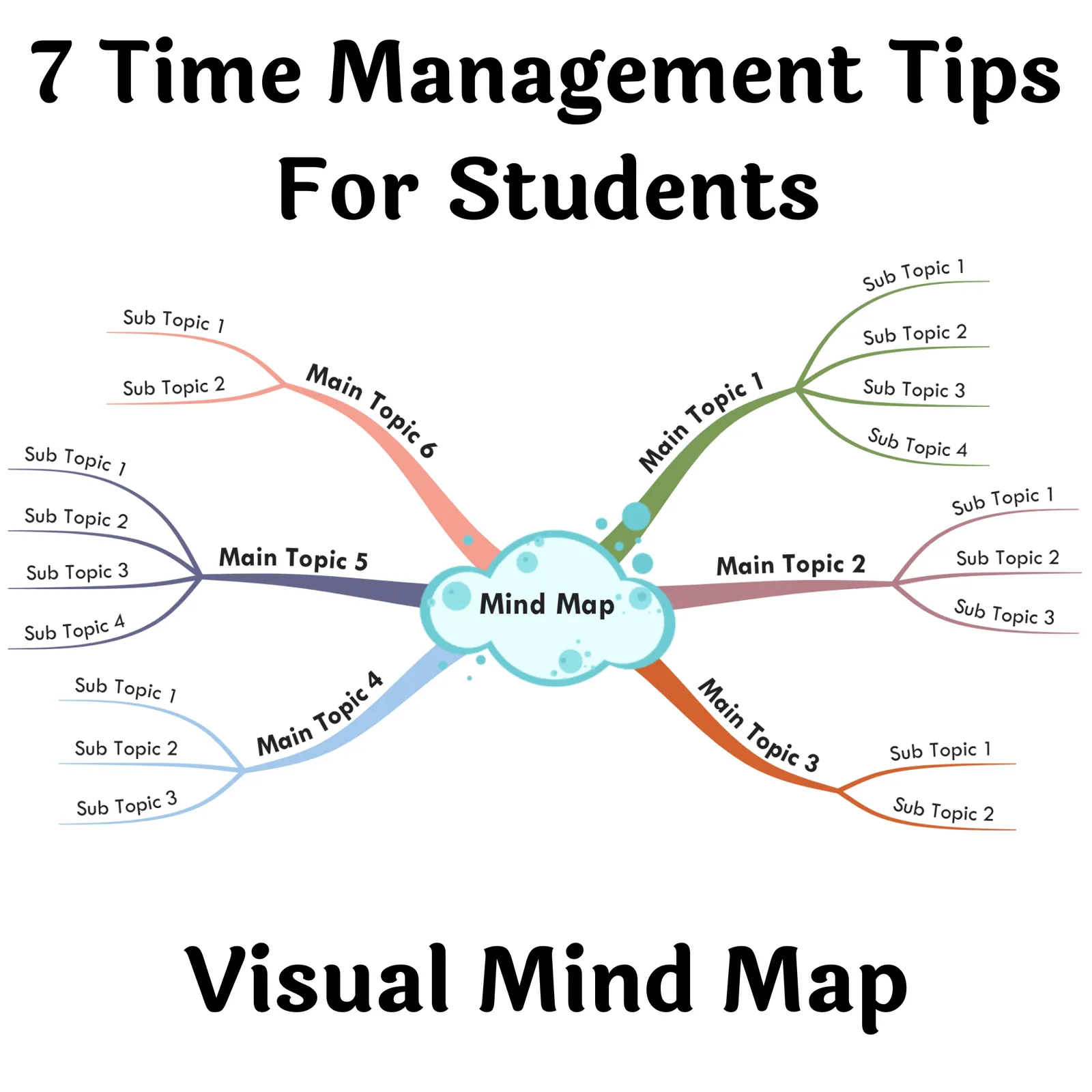
◈ 7 Time Management Tips For Students - Visual Mind Map
◈ As exams approach, it's important to focus on time management and organization to strike a balance between your personal, academic, and professional commitments. One key aspect of this is arranging your priorities, which can help to keep you on track and reduce stress during the exam period. Additionally, it's important to eat foods that nourish your brain, such as fruits, vegetables, and lean proteins, as opposed to relying on unhealthy snacks. By implementing effective time management strategies, you can increase your chances of success at university, while still finding time to relax and potentially earn extra money. To aid in this process, consider utilizing the top seven time management tips to optimize your performance at university.
◈ A Visual Mind Map flows just like our brain does and they are NOT in Nice Neat Lines! A Mind Map enables free flow of ideas because you mostly use short phrases, keywords, images, and icons. You can jot down ideas a lot faster than usual, which results in an unobstructed flow of ideas.
✔✔ WHY MIND MAPS?
Mind maps structure information:- Mind maps are graphical representations of information that convey the relationship between individual ideas and concepts. No matter how complex or broad a subject is, a mind map brings order into the chaos and helps you see the 'bigger picture'.
Mind Maps foster creativity - There are very few techniques out there that have the ability to get your creative juices flowing like mind mapping. That is because mind maps use images and keywords to create new associations within your brain, which you can also transcribe with incredible speed.
✔✔ Benefits of downloading this product
◈ You will be able to develop new skills quickly
◈ You will be up-to-date with the latest market trends
◈ You will have the best ideas at your fingertips
◈ Learn a new skill - Mind Mapping - No Limits as to what Mind maps can be used for. Mind Mapping is suitable for all ages. Your child can’t read yet. But with the power of mind maps, they can learn. Use images instead of words!
WHO NEEDS MIND MAPS?
Anyone from a student to a CEO can use and benefit from this technique. Here are a few examples.
Students:– Preparing for exams and wanting to boost their learning capabilities and results
Event Planners:– Wanting to organize every aspect of an event
Writers:– Wanting to Create original Content, Stories, Articles, etc
Entrepreneurs:– Wanting to Create a road map or a dynamic Business plan
Project Managers:– Wanting to present their ideas clearly to their team
Teachers:– Wanting to improve communication in the classroom
Marketers:– exploring potential Avenues for promoting a product or service
Consultants / Advisors:– trying to visualize Client's Situation
Collaborative Teams:– working on a project together
Anybody:- Anybody can use mind maps to unleash their creativity, solve problems, visualize their goals, and organize their thoughts!
Note: It is recommended that you view the Mind Maps on your Desktop/Laptop. Zoom in on a particular branch for the best view.
A Mind Map by Arpit Banjara - I am a 'MindMeister' certified Mind Mapping expert. Get 20% off on your MindMeister, MeisterTask, MeisterNote
Subscriptions - Use Promo Code - ARPIT20
Related resources
More resources teachers may find useful
24 related resources were found using this product's title, contributor, categories and tags.


In the classroom
Teaching tips & learning objectives

Learning objectives
Break a workload into a prioritized task list with realistic time estimates.
Construct a personal schedule that balances study, work, rest, and social time.
Identify personal patterns of procrastination and distraction and plan strategies to counter them.

Teaching tips
View the mind map in the HTML format on a laptop or desktop browser for the clearest reading, as the included instructions recommend, since it is described as hard to read on a smaller screen.
Use the seven branches as discussion prompts for a study-skills unit, addressing one tip per session.
Have students draft their own personal life schedule after covering tip 2, applying the balance of study, work, and rest hours described.

Skills covered
Task prioritization — students learn to list responsibilities and estimate the time each will take before scheduling them.
Personal schedule building — students learn to allocate hours across study, work, socializing, and sleep in a life schedule.
Self-monitoring and procrastination management — students learn to identify their most focused study conditions and periodically reassess their schedule's effectiveness.
Good to know
Questions teachers ask about this resource
Why does the instructions file recommend viewing the mind map on a laptop or desktop rather than a phone?
Mind maps are described as best read and interacted with on a bigger screen, where you can click, drag, and zoom into individual branches for detail that would be hard to see on a small display.

No reviews yet
Downloaded this resource? Tell other teachers how it went.
Resource details
Concepts & topics
Core concepts
 Core concepts
time management
study skills
self-organization
 Topics
Explore related searches
More to explore
You may also like