Creating Images in Text Worksheet – 2nd Grade Text Features Practice


About This Product
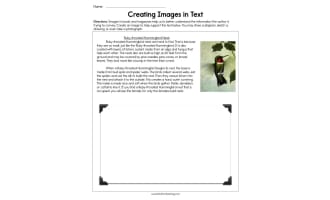
The Creating Images in Text Worksheet gives second grade students focused, no-prep practice with text features. It is a print-and-go grammar page that fits easily into a mini-lesson, a center rotation, or a quick review day.
Learning objective: Students will review text features, practice it in context, and show what they know in a way that is easy for the teacher to check.
Why it works: Each page targets one skill, so students get meaningful repetition without feeling overwhelmed. The layout is clean and uncluttered, which helps young learners focus on the task instead of the decorations.
What's included:
1 printable worksheet page
Clear, student-friendly directions
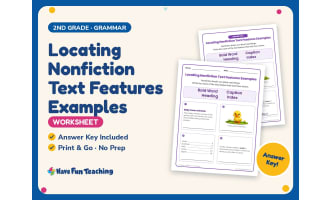
Answer key (1 page)
Cover page
How it's organized: The page opens with these directions: "Read the text below. Then write the correct answer in each box." Students then complete the practice items in order and check their work before turning it in.
Grade level: Designed for second grade students. It also works well for first grade and third grade students who need extra practice or a fresh review.
How to use it: Assign it after a mini-lesson, use it in a small group, send it home as homework, keep it in your sub folder, or use it as a quick formative check.
Answer key: An answer key is included, so you can check work quickly or let students self-correct.
Teaching tips and variations:
Keep a few copies in your early finisher bin for independent review.
Send it home as homework so families can see what their child is learning in grammar.
Use it as an exit ticket the day after a text features lesson to see who needs more support.
Skills covered: Text Features, English, Reading
Standards: Supports Common Core RI.2.5.
File type: PDF, ready to print.
Number of pages: 3 (1 worksheet page, 1 answer key page, 1 cover page).
Have Fun Teaching creates classroom-tested resources for PreK through 6th grade. Follow our shop to find more grammar worksheets that pair well with this page. Have Fun Teaching on Teach Simple
Resource Tags
0 Reviews
Check out these other great products