search
user.png
vertical menu

Remove Object Photopea Activity

Remove Object Photopea Activity preview
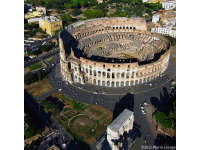
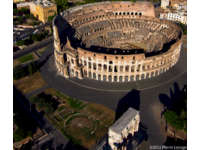
Remove Object Photopea Activity preview 2
Remove Object Photopea Activity preview 3
Remove Object Photopea Activity preview 4

Look Inside · 4 pages

Aerial Colosseum photo with people and cars on the plaza, a source image for removing objects in Photopea
Full aerial image for the object-removal activity
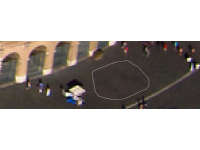
Zoomed Colosseum plaza with a lasso outline around an empty patch of pavement, a Photopea object-removal example
Zoomed lasso selection on the Colosseum plaza
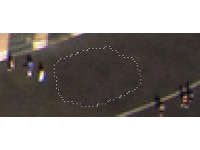
Close-up of two people on the Colosseum plaza outlined with dotted selections, ready to be removed in Photopea
Two people selected before removal
Same Colosseum plaza close-up after removal: the two selected people are gone, with only dotted outlines left
The plaza after the two people are removed
Attributes
Types

Activities

Editable
No
Author
OK Products
Rating
Add To Collection
Add to collection Add to collection

About This Product

Students will work with digital tools in the Removing Objects with Photopea Activity.

Students will explore a variety of ways to remove an object from images.

Step by step directions are included.

What's Included

1 zip folder with JPG files and html files

0 Reviews

Explore related searches
you may also like...

Check out these other great products