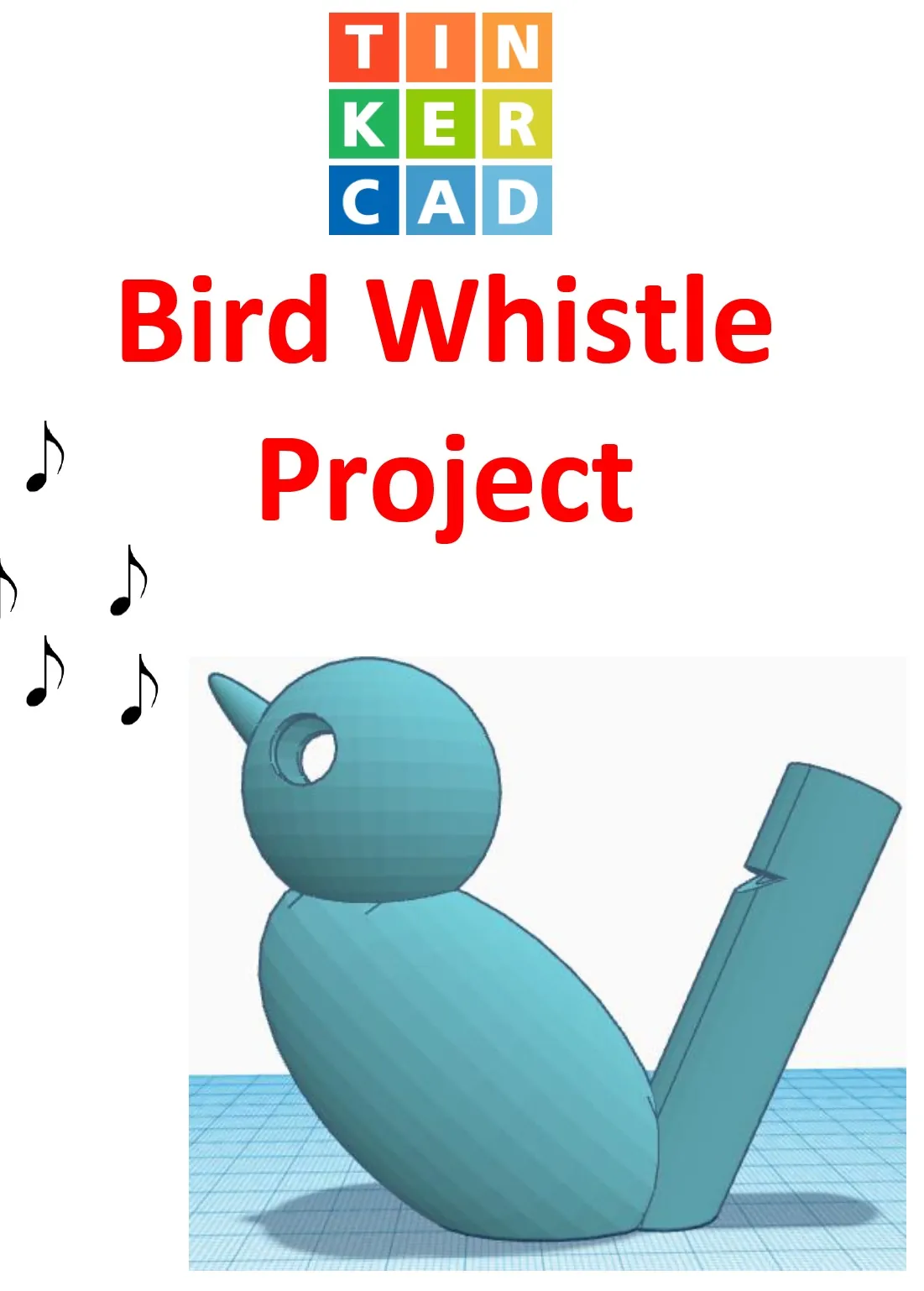
TinkerCAD step-by-step instructions for Bird Whistle
- Grades
- Grades 5–12, High School, Middle School, Elementary
- File type
- Preparation
- Print ready


- Subject
- Special Resources
- Topic
- TinkerCAD, 3D printing
- Resource types
- Activities, Projects
- Preparation
- Print ready
About this resource
What's inside this resource
Students only need to know the bare basics to complete this.
I tested this with a fifth-grade class and most could complete it with no help.
Designed to print with no supports for easy printing.
Include TinkerCAD tool guide!
Has a content page.
Great beginners’ tool for learning to make 3D models and learn TinkerCAD.
TinkerCAD is a free online program that makes 3D model that work on 3D printers, laser etching machines, water jets, plasma cutters and many more!!
Tinkercad is an easy-to-use, browser-based computer-aided design (CAD) software developed by Autodesk. It is primarily used for creating and designing 3D models, particularly in the field of 3D printing. Tinkercad is popular among beginners and hobbyists due to its intuitive interface and simplified tools.
Here are some key features and uses of Tinkercad:
1) 3D Modeling: Tinkercad allows users to create 3D models by combining basic shapes and manipulating them using tools such as scaling, rotating, and moving. It provides a wide range of primitive shapes like cubes, spheres, cylinders, and more, which can be customized to create complex designs.
2) Design Customization: Users can apply various modifications to their designs, including resizing, rounding edges, adding text, creating holes, and aligning objects. These tools help in refining the models and making them suitable for specific purposes or fitting them with other components.
3)Import and Export: Tinkercad supports the import of existing 3D models in STL and OBJ formats, allowing users to modify and incorporate them into their designs. It also offers export options to save the designs as STL files, which are widely used in 3D printing.
4) Collaboration and Sharing: Tinkercad provides features for collaboration, allowing multiple users to work on the same project simultaneously. It enables real-time sharing and editing, making it convenient for team projects or educational purposes.
5) Electronics Integration: One notable aspect of Tinkercad is its integration with electronics. It offers a range of electronic components, including resistors, LEDs, motors, and microcontrollers, which can be used to create interactive models and prototypes. Users can simulate circuit connections and test their designs before implementation.
6) Educational Tool: Tinkercad is widely used in educational settings, particularly for teaching students about 3D design, modeling, and prototyping. Its simple interface and beginner-friendly tools make it accessible to users of all ages and skill levels.
Overall, Tinkercad is a versatile and user-friendly CAD software that allows individuals to create and customize 3D models. Whether you're a hobbyist, student, or professional, Tinkercad provides a valuable platform for designing, prototyping, and exploring the world of 3D printing and modeling.
Total pages:
32 pages
Commands to be learned:
Group
Ungroup
Align
Mirror
Duplicate
Holes
Solids
Rotate
Move
Drop
Subjects:
Geometry
Engineering
Career and technical education
Types:
Projects
Handouts
Printables
Related resources
More resources teachers may find useful
20 related resources were found using this product's title, contributor, categories and tags.


In the classroom
Teaching tips & learning objectives

Learning objectives
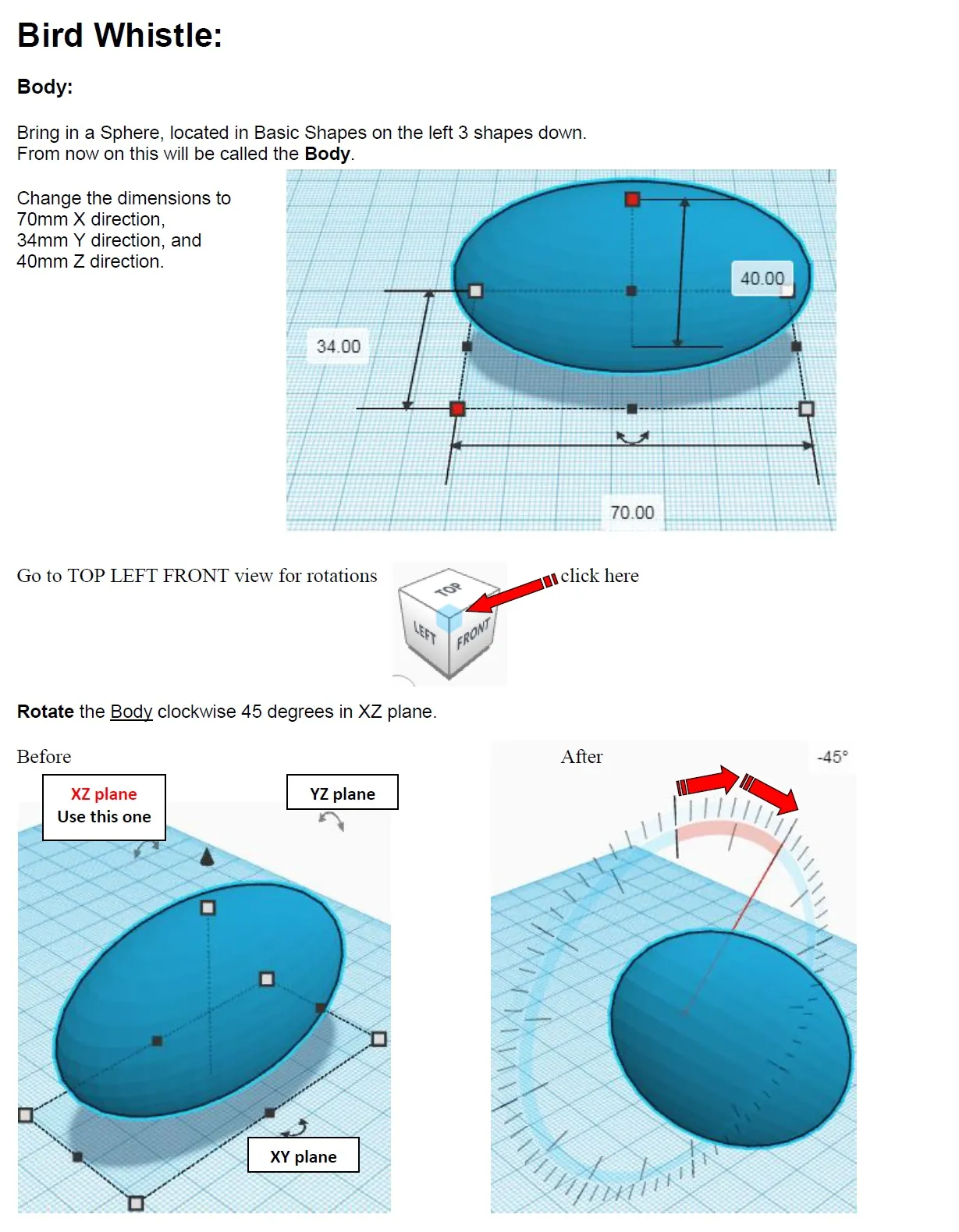
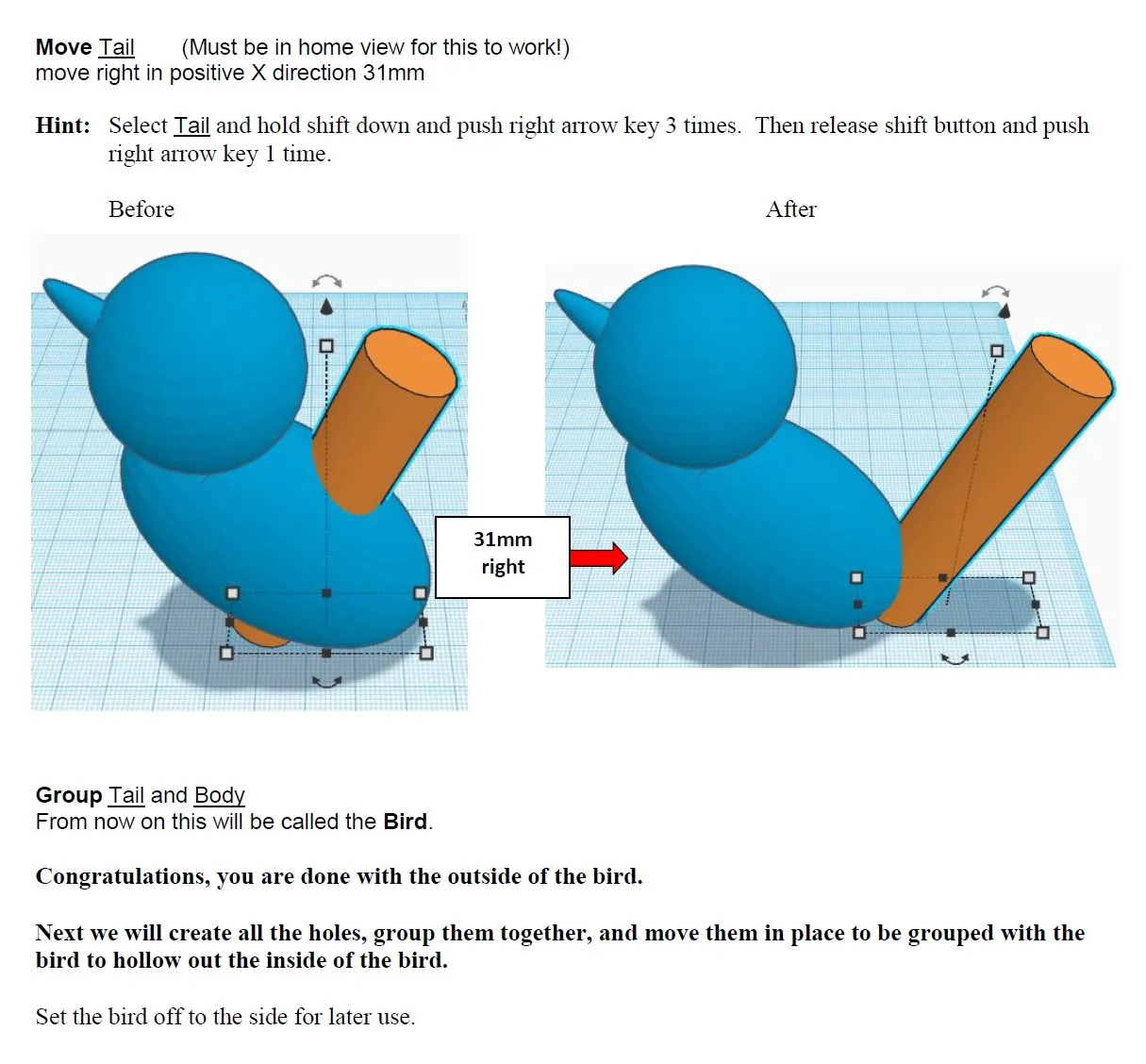
Use TinkerCAD's align, move, rotate, and group tools to combine multiple basic 3D shapes into a single model.
Apply precise millimeter measurements and rotation angles to construct individual parts of a 3D design.
Use a boolean Hole operation to create a hollow interior within a solid 3D model.

Teaching tips
Have students complete the reference alignment/rotation pages (2-3) as a warm-up exercise in TinkerCAD before starting the build, since every later step assumes familiarity with those controls.
Print a finished model class-wide before distributing the instructions, so students can see and test the working water whistle they are building toward.
Pause after grouping the hollow interior (page 30) to check that students correctly changed the interior to a Hole, since a build error there prevents the whistle from holding water.

Skills covered
3D modeling in TinkerCAD -- students align, rotate, move, and group basic shapes using exact coordinate and angle values to build a multi-part model.
Precision measurement application -- students enter specific millimeter dimensions for each part rather than estimating by eye.
Boolean subtraction -- students convert a solid interior shape into a Hole to hollow out the final model.
Good to know
Questions teachers ask about this resource
What makes the finished model actually work as a whistle?
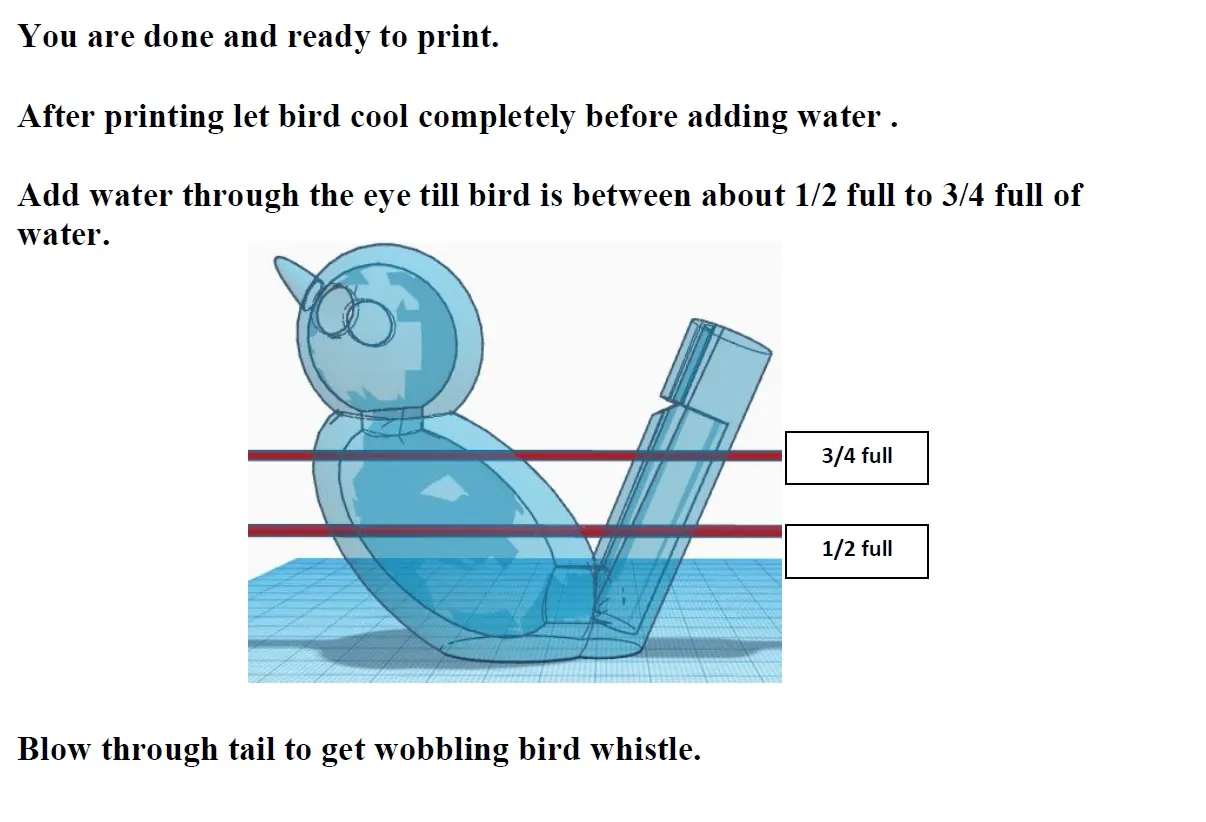
The hollow interior, created with TinkerCAD's Hole tool, holds water added through the eye; blowing through the tail then produces the bird's characteristic warbling sound.
What do the first reference pages cover?
TinkerCAD's aligning, flipping, moving, and rotating controls across the X, Y, and Z axes -- the exact operations used throughout every later build step.

No reviews yet
Downloaded this resource? Tell other teachers how it went.
Resource details
Concepts & topics
Core concepts
 Core concepts
3D modeling
TinkerCAD
boolean operations
design and technology
Topics
 Topics
Explore more
Categories this resource belongs to
Explore related searches
More to explore
You may also like