Aquatic Biomes Activity – Google Classroom Lesson
- Grades
- Grade 7, Middle School
- File type
- Editable
- Yes


- Subject
- Science, Life Sciences, Biology
- Topic
- aquatic biomes, graphic organizers
- Resource types
- Activities
- Editable
- Yes
About this resource
What's inside this resource
Related resources
More resources teachers may find useful
24 related resources were found using this product's title, contributor, categories and tags.


In the classroom
Teaching tips & learning objectives

Learning objectives
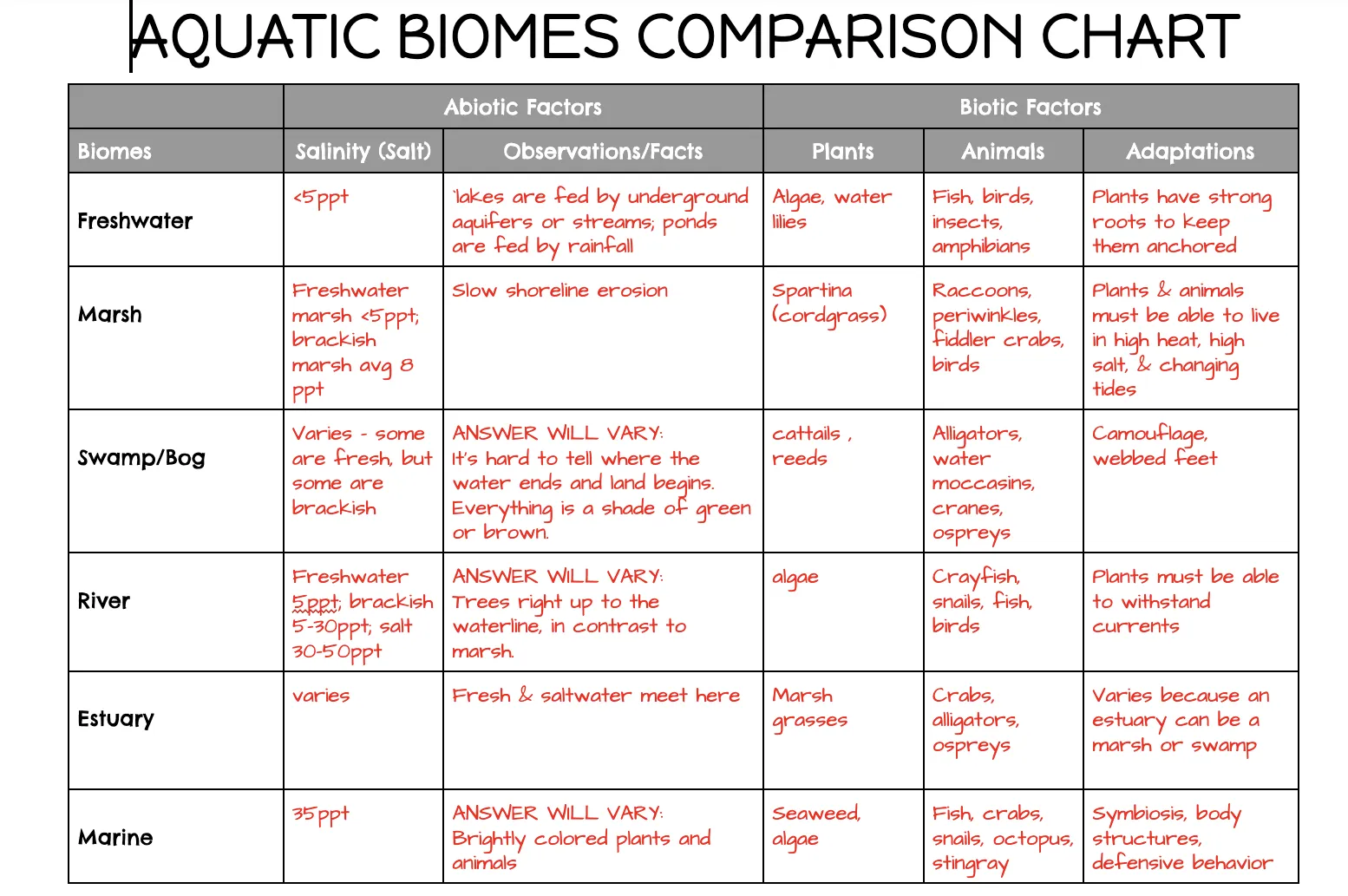
Use a comparison chart to document and organize details about aquatic biomes.
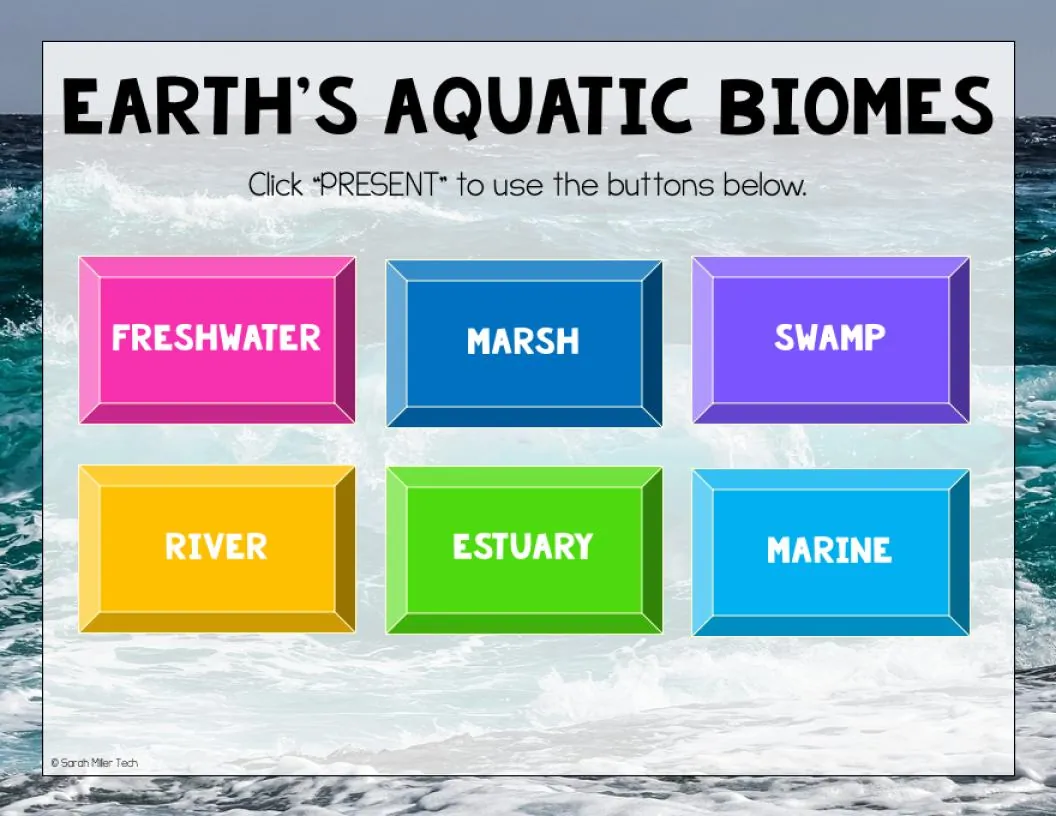
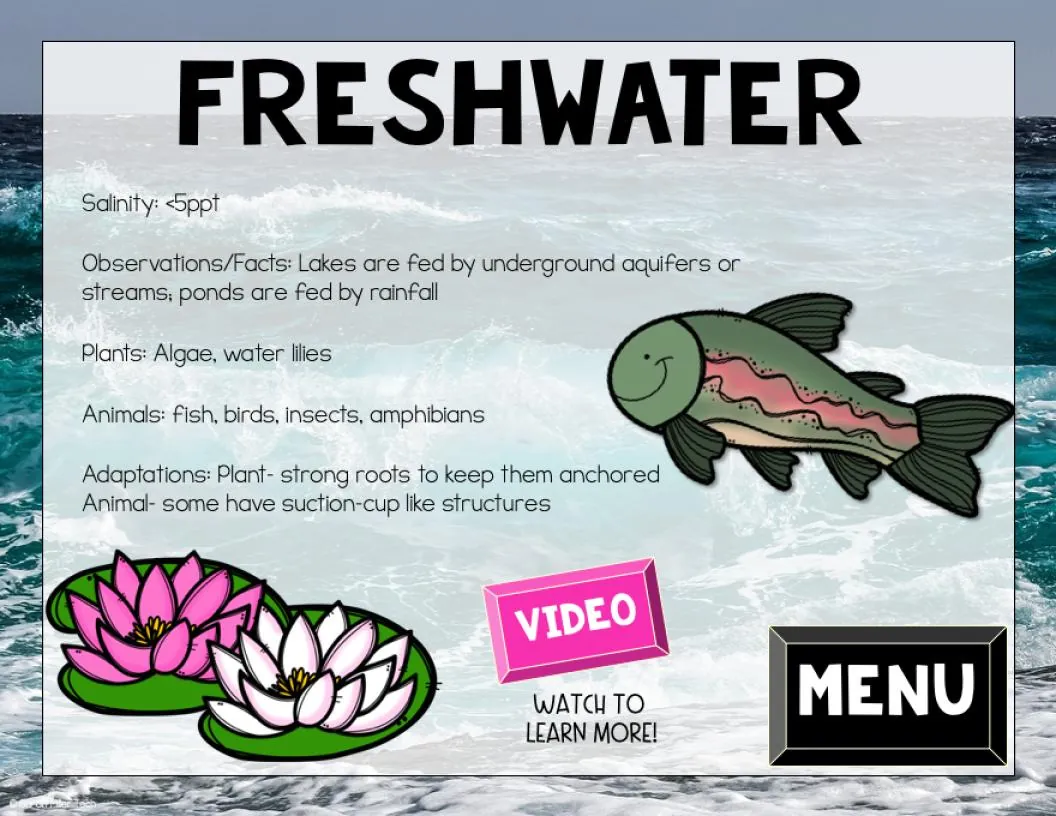
Engage with video-based content on aquatic biomes via an interactive slideshow.

Teaching tips
Confirm your school's YouTube access settings before assigning the slideshow, since the resource itself flags that its videos need to be approved for student viewing.
Offer the paper version of the comparison chart to students who aren't ready to fill it in digitally, as the setup page specifically anticipates this need.
Have students click 'Make a Copy' on the interactive slides first so each student (or your class copy) has an editable version before assigning it in Google Classroom.

Skills covered
Digital note organization — students fill in a structured comparison chart while working through slide-based content.
Following multi-step digital workflow instructions to access linked classroom materials.

No reviews yet
Downloaded this resource? Tell other teachers how it went.
Resource details
Concepts & topics
Core concepts
 Core concepts
Aquatic biomes
Comparison chart
Digital/distance learning delivery
 Topics
Explore more
Categories this resource belongs to
Explore related searches
More to explore
You may also like