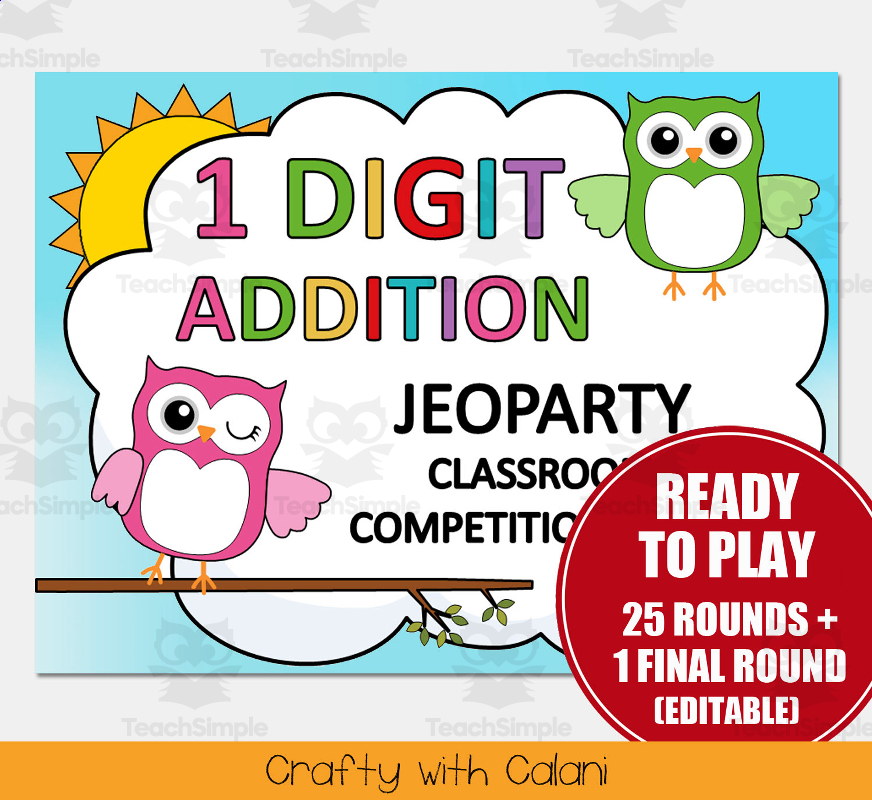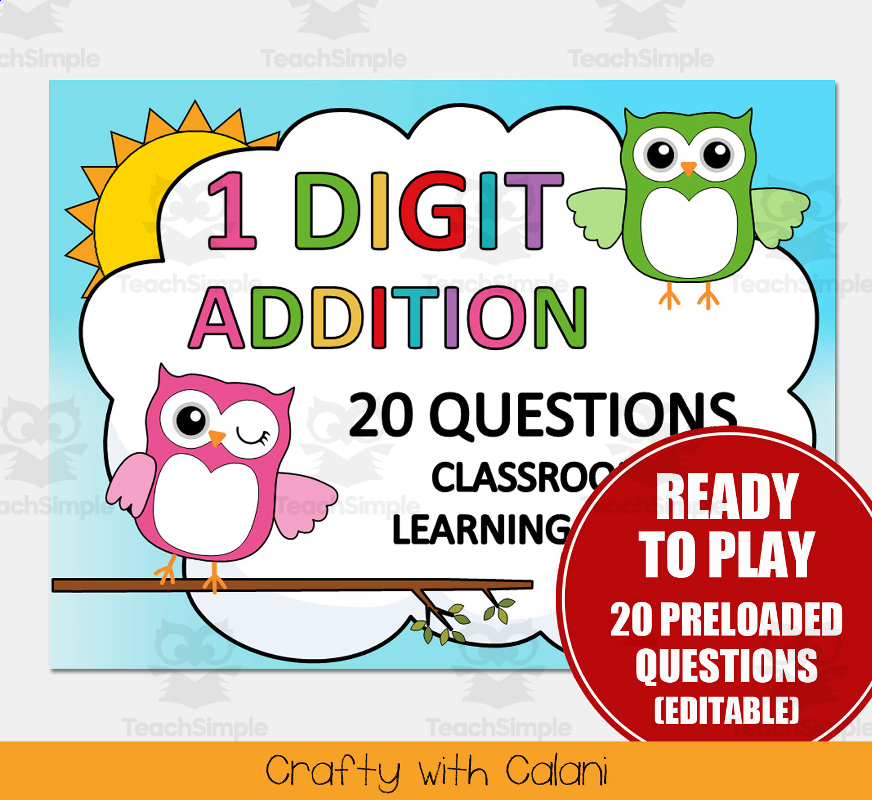
1 Digit Addition 20 Questions Math Classroom Game in Owl Theme
An editable PowerPoint classroom game providing single-digit addition practice through a 20-question board format, owl themed.
Includes: title slide · 20-question navigation board slide
Classroom resources
Browse by lesson focus
Choose the topic or kind of practice you need.
An editable PowerPoint classroom game providing single-digit addition practice through a 20-question board format, owl themed.
Includes: title slide · 20-question navigation board slide
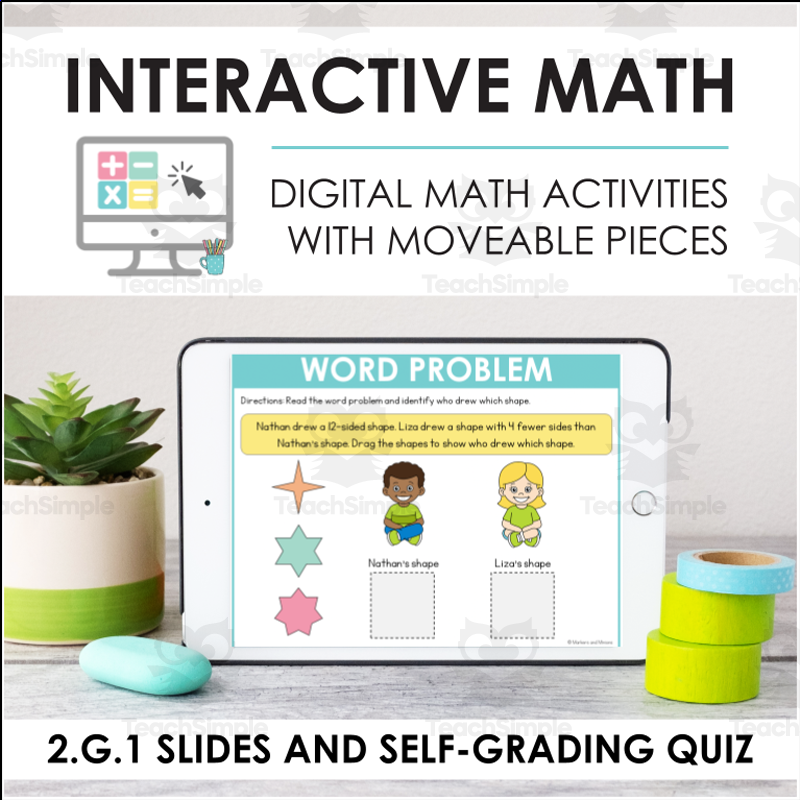
Interactive digital slide deck plus a self-grading Google Form quiz for practicing CCSS 2.G.1 - recognizing and identifying shapes by their attributes (sides, angles, polygons).
Includes: Interactive Slides/PowerPoint deck (2.G.1) with activities: Vocabulary (match meanings: angle, attribute, square corner, polygon)… · Self-grading Google Form quiz (embedded visuals, built-in feedback on incorrect answers)
As a team, select a category and point value, answer the addition question shown, and accumulate points on a working scoreboard; includes 2 Daily Double and 1 Final Jeoparty wagering rounds.
Includes: title slide · scoreboard/category grid slide (5 categories x $100-$500, 8 team score trackers)
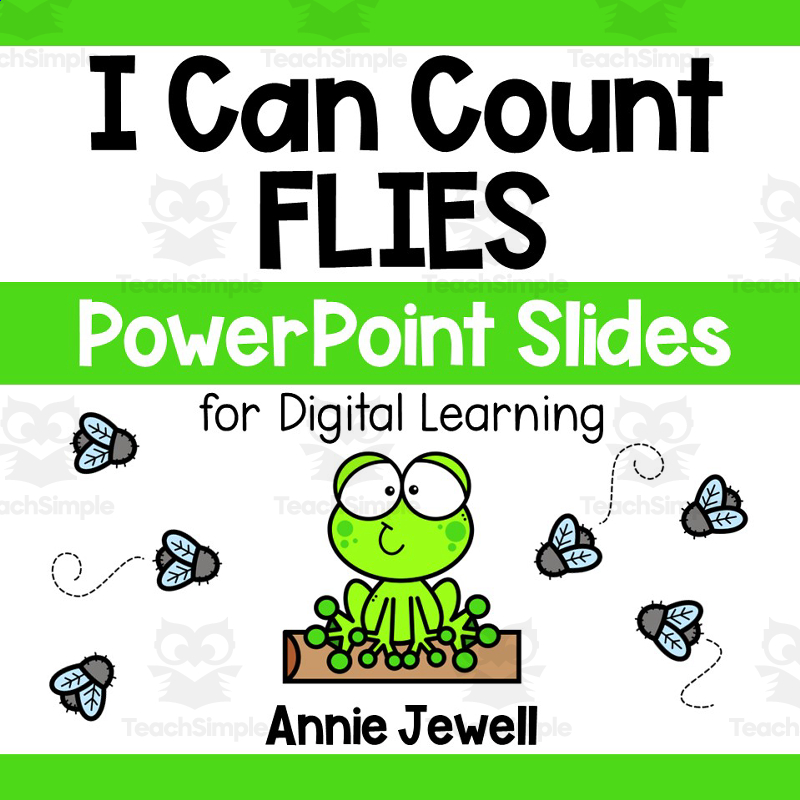
PowerPoint Slides – Digital Counting Task Cards – Flies Housed on teachsimple .com, this specially designed teaching resource is aimed at bridging the gap between entertainment and education. Featuring 11 task slides full of vibrant clip art flies (sets zero through ten) Allows for digit recognition and numerical…
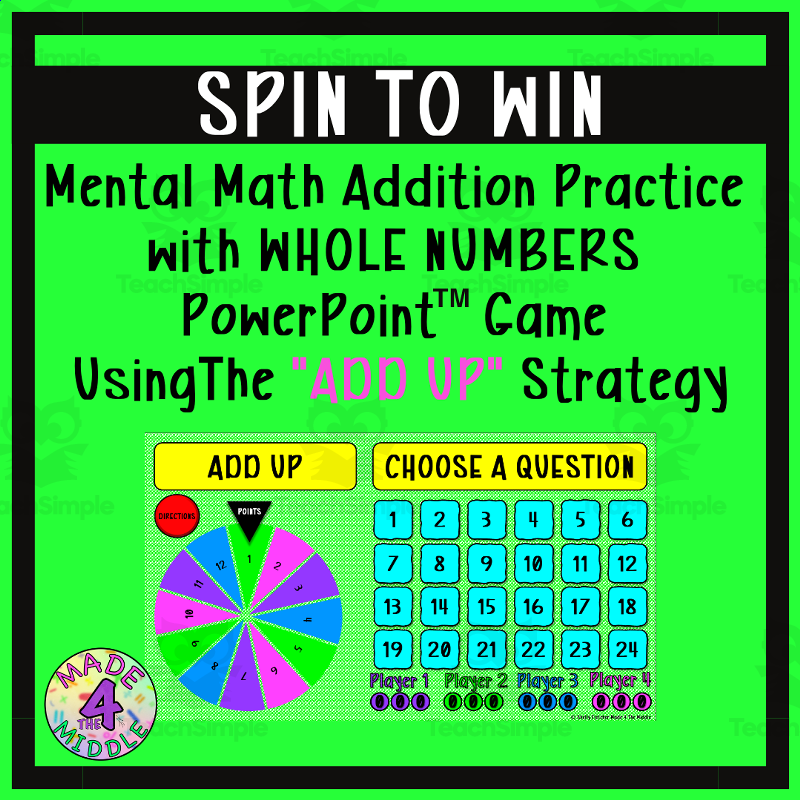
Choose a question, mentally add using the Add Up strategy, say the sum aloud, click Check Answer, then spin for points if correct; play continues until all questions are answered and scores are tallied.
Includes: how-to-play instructions slide · 25-question interactive game board with clickable check-answer feature
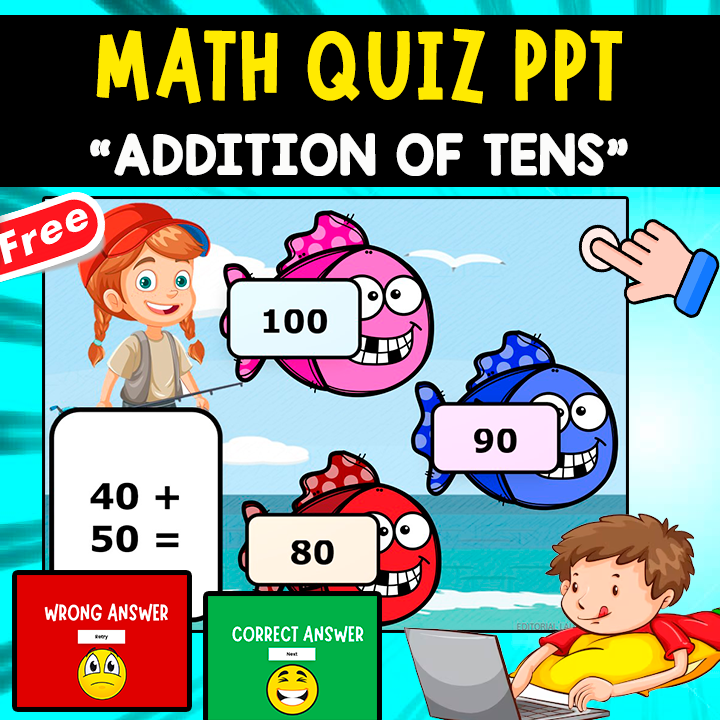
Students click through a slide-based quiz, adding two multiples of ten per question (e.g. 20+30, 90+10), selecting from multiple answer options, and receiving immediate 'CORRECT ANSWER / Next' or 'WRONG ANSWER / Retry' feedback before moving to the next question.
Includes: Start Quiz title slide · 10 numbered question slides, each an addition-of-tens problem with a wrong-answer retry slide and a correct-answer/next slide
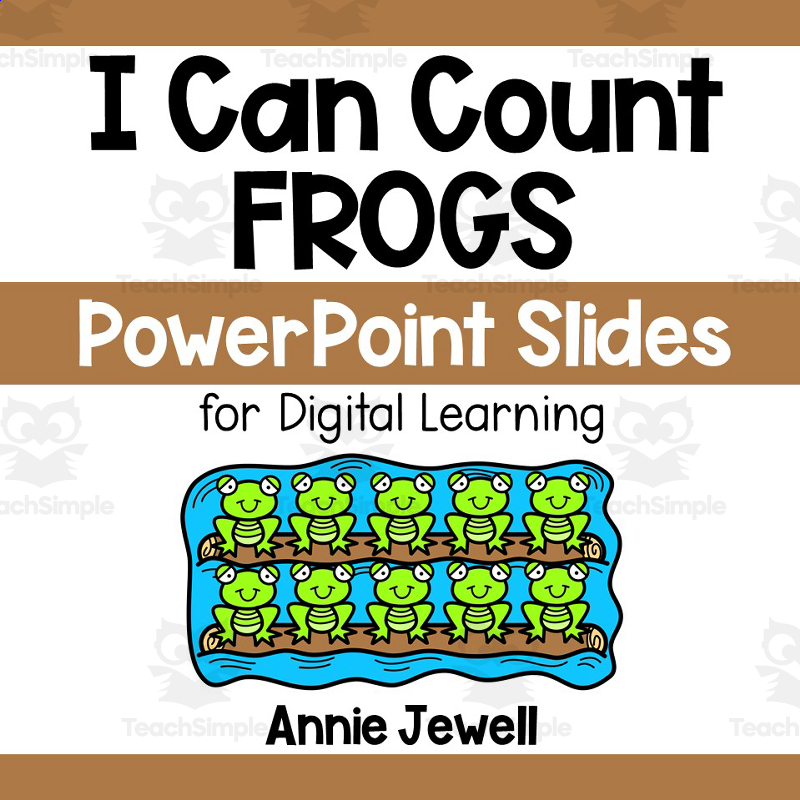
Product: PowerPoint Slides – Digital Counting Task Cards – Frogs Are you seeking a fun and effective counting resource for early learners? Look no further than the PowerPoint Slides - Digital Counting Task Cards - Frogs. This dynamic teaching aid primarily serves educators of preschool and kindergarten students who…
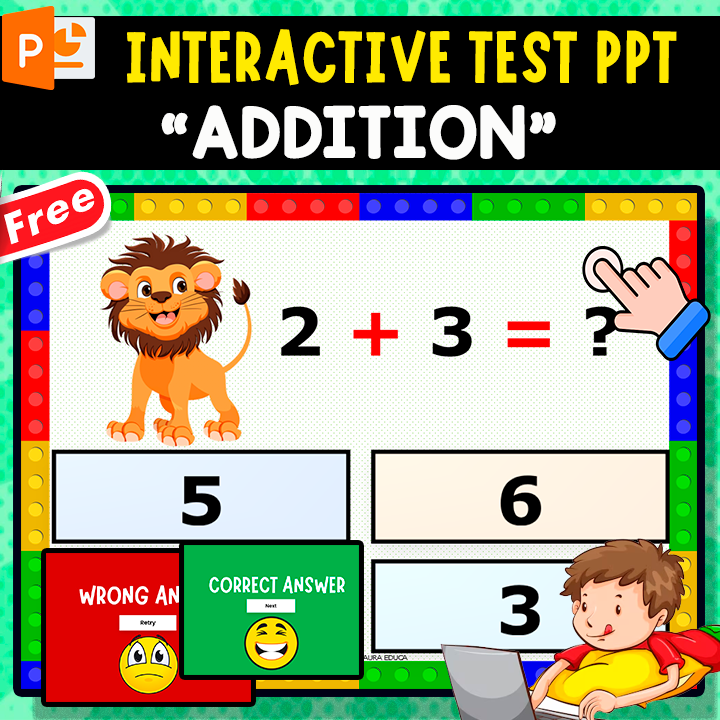
View an addition problem (e.g. '2+3=?'), click the correct sum from four number choices, and get correct/incorrect feedback before advancing.
Includes: 10 interactive multiple-choice addition quiz slides (sums within 10), each with correct/wrong answer feedback screens
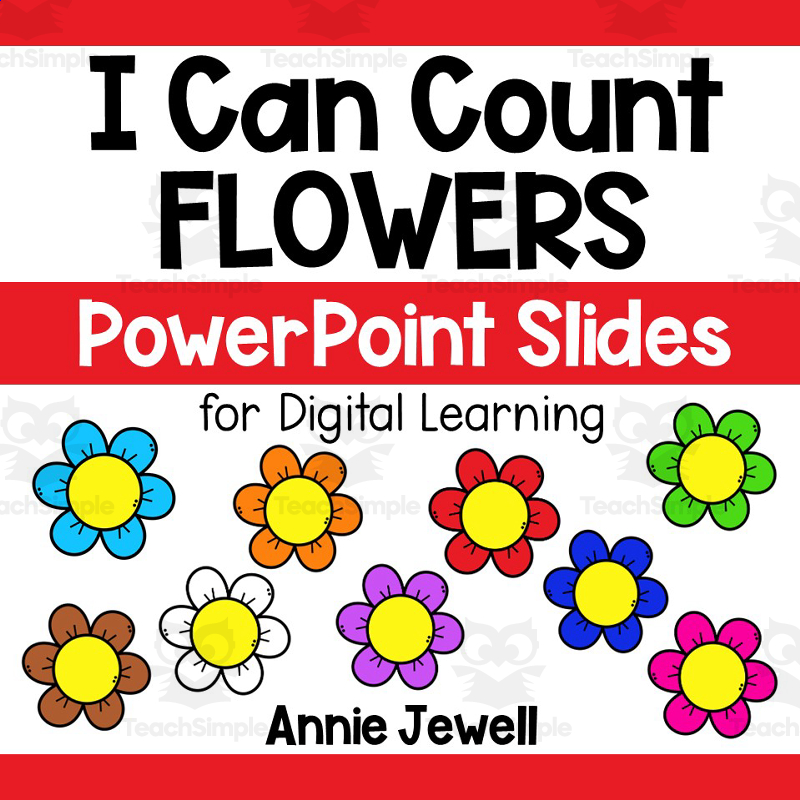
Product Description: PowerPoint Slides – Digital Counting Task Cards – Flowers This teaching resource, primarily designed for preschool and kindergarten students, introduces foundational mathematics through a series of colorful and interactive slides. The method ingeniously merges entertainment and learning through…
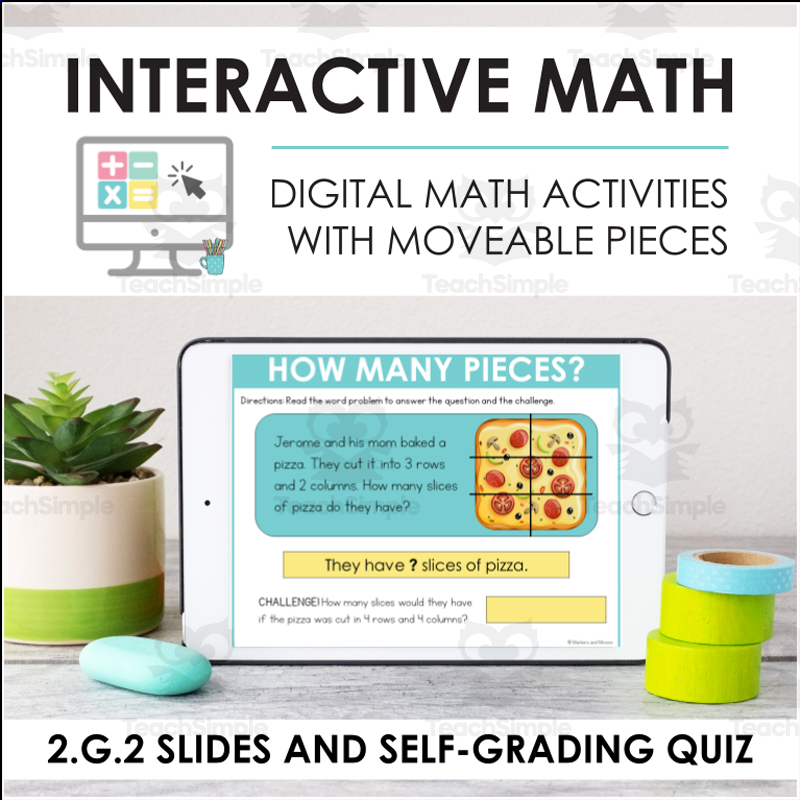
Interactive digital slide deck plus a self-grading Google Form quiz for practicing CCSS 2.G.2 - partitioning a rectangle into rows and columns of same-size squares (arrays).
Includes: Interactive Slides/PowerPoint deck (2.G.2) with activities: Make an Array (drag squares to grid); How Many Pieces? (array word… · Self-grading Google Form quiz (embedded visuals, built-in feedback on incorrect answers)
PowerPoint Slides - Digital Counting Task Cards – Watermelons An engaging teaching resource, designed primarily for preschool and kindergarten children, that visually assists them in mastering foundational numeracy skills. The Digital Counting Activity Students count watermelons on 11 vibrant task slides. The number…
PowerPoint Slides – Digital Counting Task Cards – Dreidels An ideal resource for educators keen on introducing interactive counting activities to their young students, primarily designed for preschoolers and kindergartners. This material encourages basic numerical skills through playful learning. Festive Theme: The…
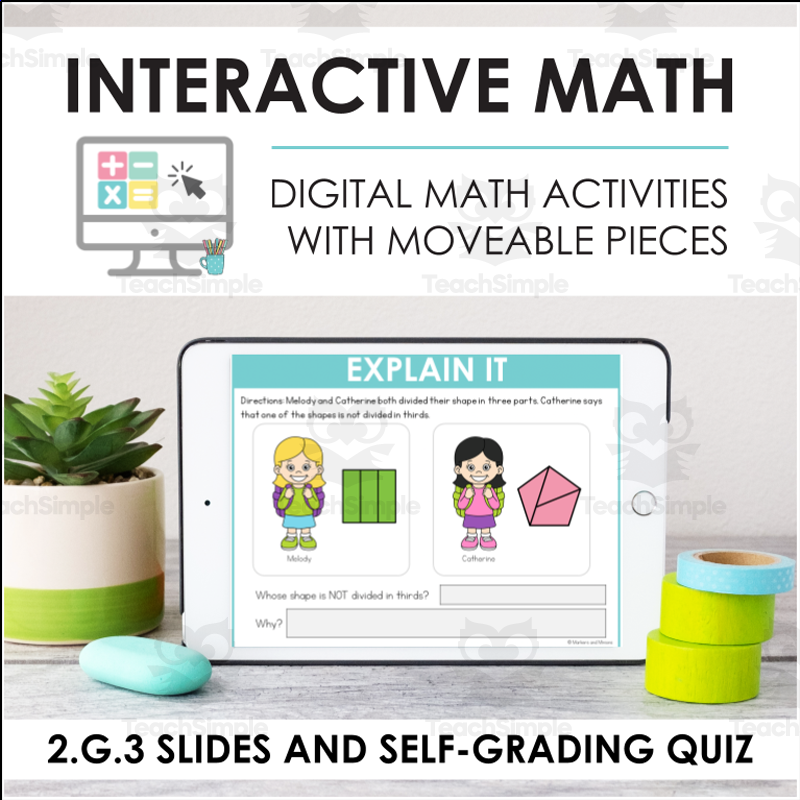
Interactive digital slide deck plus a self-grading Google Form quiz for practicing CCSS 2.G.3 - partitioning shapes into halves, thirds, and fourths (equal shares).
Includes: Interactive Slides/PowerPoint deck (2.G.3) with activities: Identify the Polygons (in a composite shape); Composite Shapes (build a… · Self-grading Google Form quiz (embedded visuals, built-in feedback on incorrect answers)
Find the area and/or perimeter of given shapes by counting grid squares, multiplying length by width, or using an on-slide ruler; match area/perimeter values to shapes in later slides.
Includes: title slide · teacher directions slide
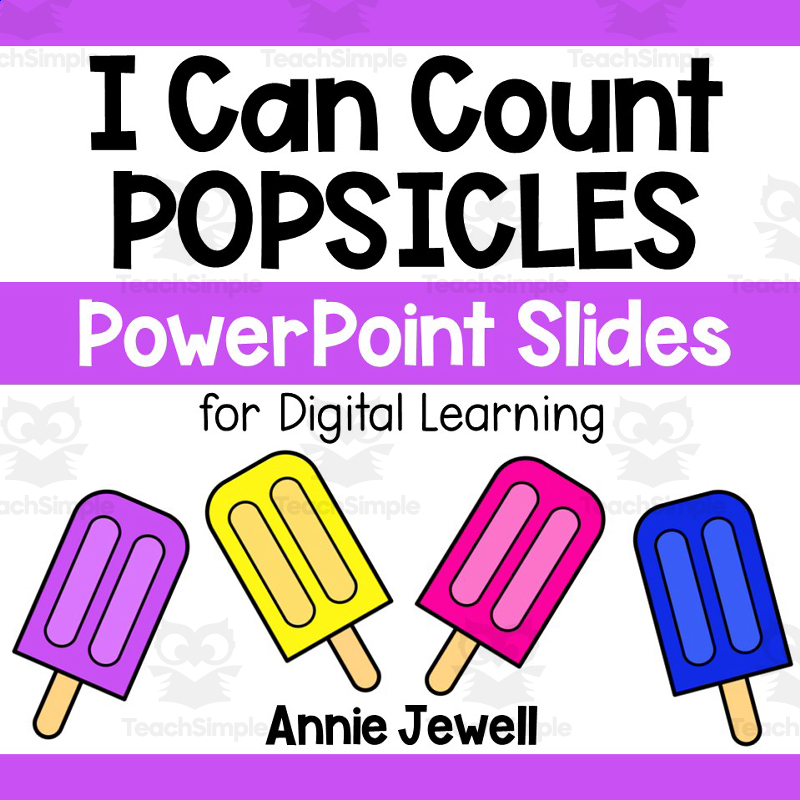
Product Title: PowerPoint Slides – Digital Counting Task Cards – Popsicles If you're a teacher seeking an exciting counting activity for your preschool or kindergarten students, consider these interactive counting task slides. These slides utilise the fun and familiar theme of popsicles, providing sets ranging from 0…
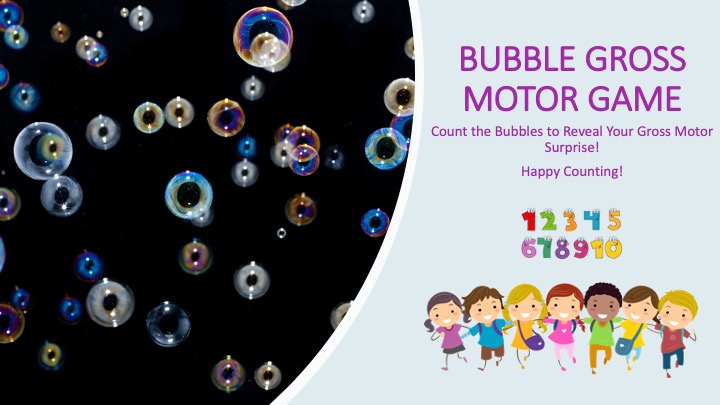
Students click a button to pop and count bubbles shown on each slide, then click the big bubble on the following slide to reveal and perform a gross motor task (e.g., 2 bubbles = bend over and touch toes 2x, 5 bubbles = jump in the air 5x, 3 bubbles = 3 giant steps backwards, 7 bubbles = 7 squats).
Includes: instructions slide · multiple slides pairing a counted bubble quantity (1-10) with a gross motor movement reveal
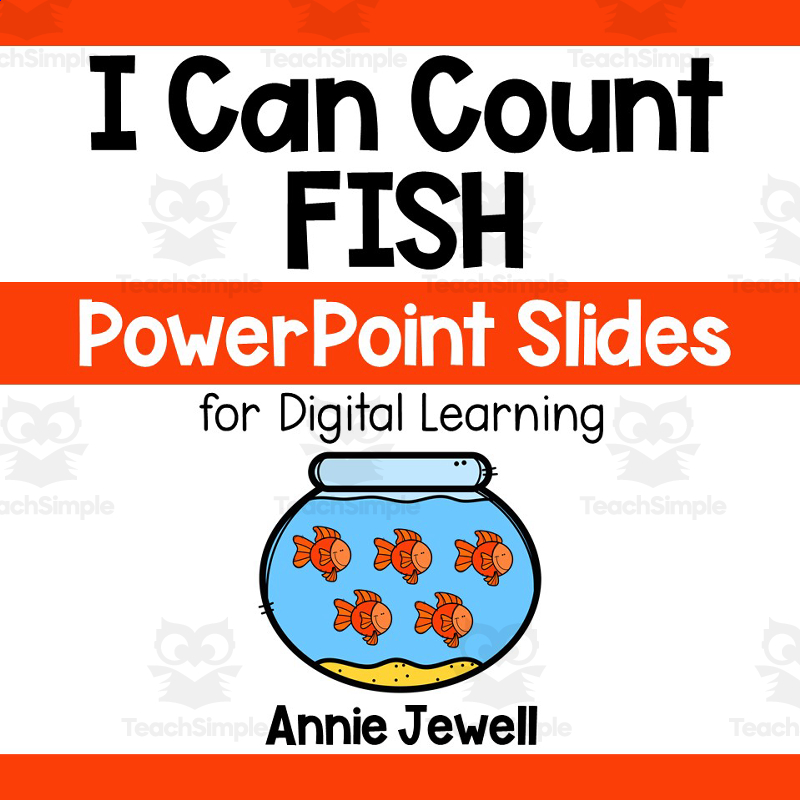
PowerPoint Slides – Digital Counting Task Cards – Fish: A Valuable Teaching Resource This resource is ideal for: Educators (both public school teachers and homeschoolers) Preschool and kindergarten students Main task: Count the number of fish on each slide (sets from 0 up to 10) and record answers on provided Answer…
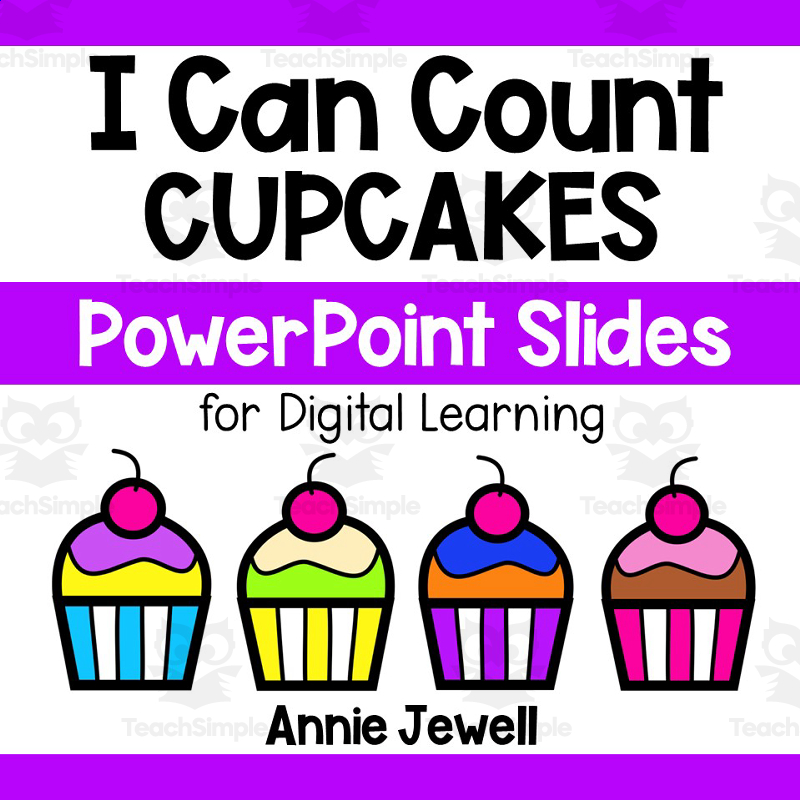
PowerPoint Slides - Digital Counting Task Cards - Cupcakes This wonderful resource is aimed at preschoolers and kindergarteners. It's the ideal tool for teachers introducing counting concepts at school or during home-based learning. Cupcake Counting Fun! Let the joy of learning unfold as students count cupcakes on 11…
Take notes on the four definitions from PowerPoint slides, then in groups create a piece of art by drawing at least 10 shapes of each type (polygons=blue, non-polygons=orange, regular polygons=pink, congruent polygon pairs=green) on construction paper.
Includes: PowerPoint slides defining polygon/non-polygon/regular/congruent polygons with fill-in-the-blank notes · teacher instructions for a group art classification activity using construction paper
PowerPoint Slides – Digital Counting Task Cards – Apples An all-in-one teaching resource designed for educators in school environments or homeschooling situations. It has been specifically catered to support preschool and kindergarten curriculums, with the primary subject being basic maths fundamentals through fun and…
PowerPoint Slides – Digital Counting Task Cards – Penguins Delve into the chilly winter wonderland with these PowerPoint slides designed for young learners! The Digital Counting Task Cards - Penguins provide a fun, interactive method to practice counting skills suited for preschool and kindergarten children. Students…
A digital (Google Slides) checkers-style game for practicing 1-digit addition facts.
Includes: 1 PDF (2 pages): terms-of-use page + page with a clickable Google Slides link to the actual digital checkers game
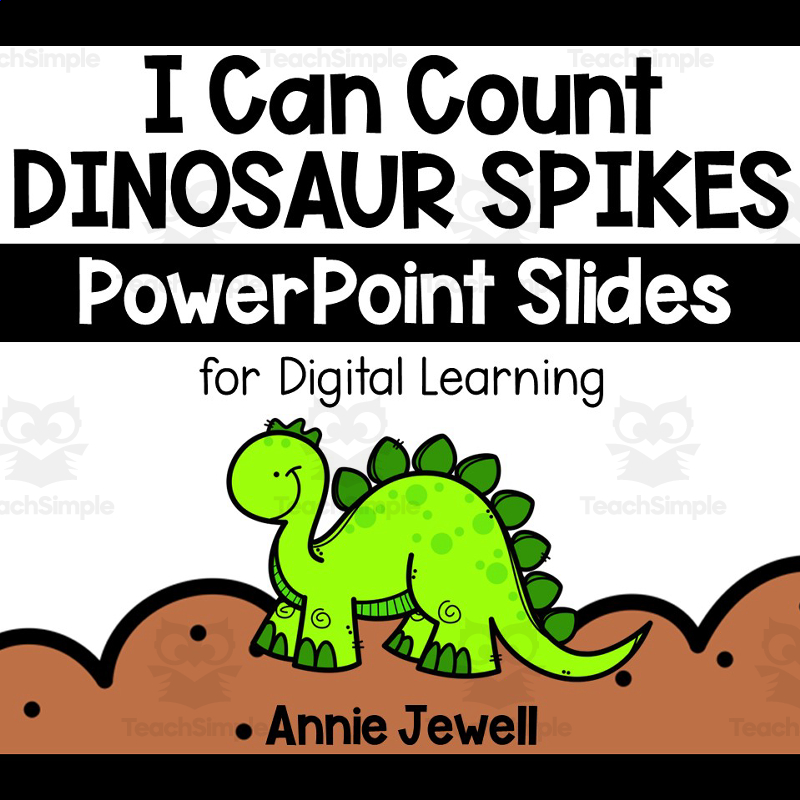
PowerPoint Slides – Digital Counting Task Cards – Dinosaur Spikes PowerPoint Slides – Digital Counting Task Cards – Dinosaur Spikes is an educational resource designed to simplify the teaching of early math concepts, primarily focused on numbers and counting. The colorful and interactive task slides are perfect tools…
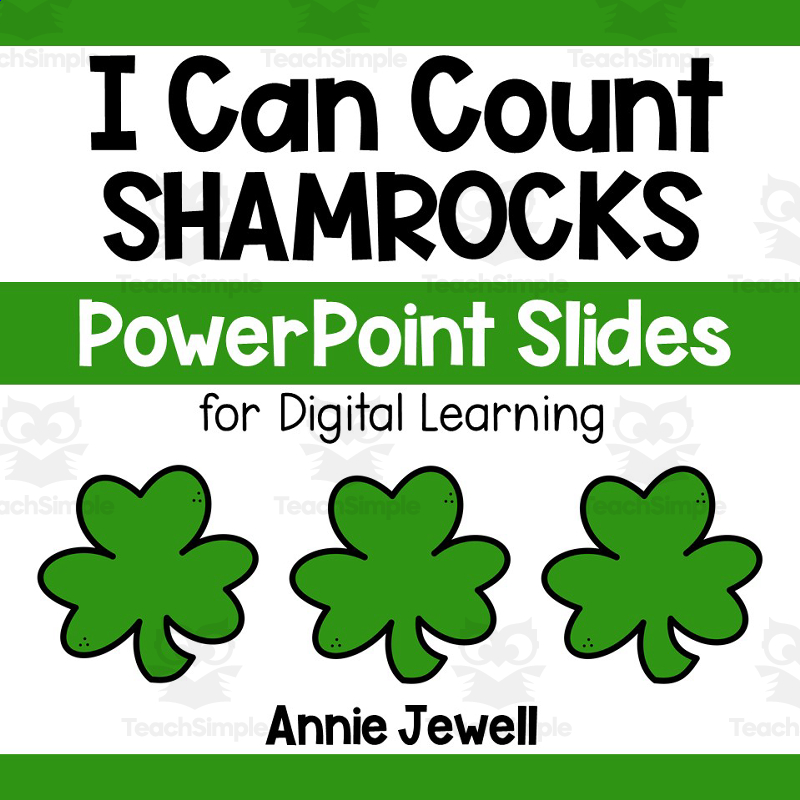
PowerPoint Slides – Digital Counting Task Cards – Shamrocks If you desire an exciting counting activity that keeps your pupils engaged, the Digital Counting Task Cards - Shamrocks slides are a spectacular choice. They provide a fascinating counting exercise based on shamrock sets ranging from 0 to 10, specially…