



Building Resilience in Children & Teens: A Visual Mind Map
- Grades
- Not Grade Specific
- File type
- Multiple File Types


- Subject
- Special Resources, Life Studies, Special Education Needs (SEN), Social Skills, Life Skills, Coaching, Business, Career, Creative Arts, Art
- Topic
- resilience building, mind maps
- Resource types
- Diagrams, Teacher Tools
About this resource
What's inside this resource
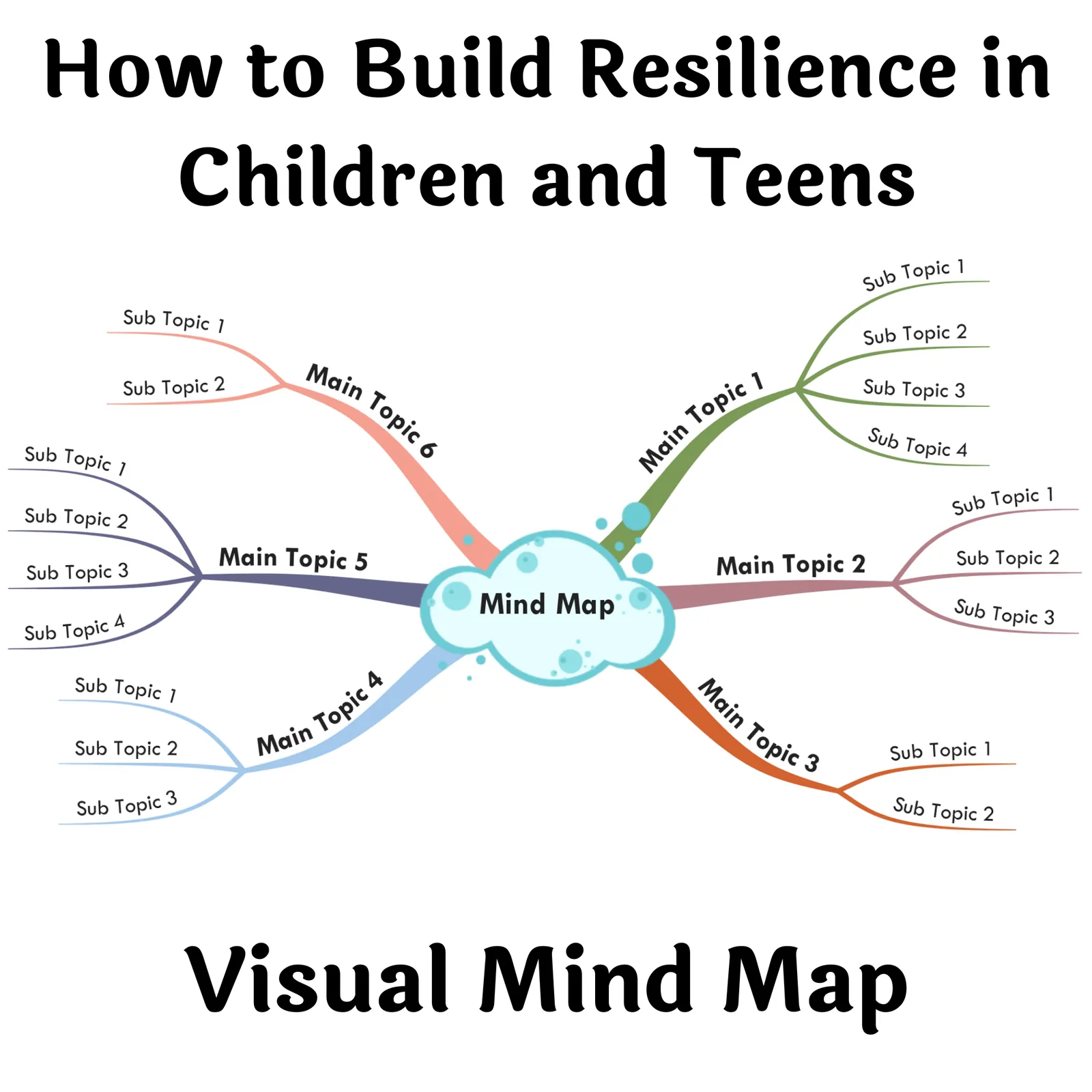
How to Build Resilience in Children and Teens - Visual Mind Map
Helping children and teenagers develop resilience is crucial in today's evolving socio-emotional landscape. Understanding that resilience is not an innately acquired trait but rather a skill that can be cultivated, this resource offers the perfect teaching tool for educators, public school teachers, homeschoolers, or concerned guardians alike.
The ability to persist resiliently through adversities becomes a guiding force helping our young generation navigate successfully.Making learning interactive utilizing 'Mind Maps', a format inspired by how the human brain thinks creatively. These distinctive ideas promote free-flowing thought conversion and create a unique learning experience quite different from traditional linear note-taking methods.
The Activities Presented Follow the Seven Cs of Resilience Framework:
- Competence
- Confidence
- Connection
- Character Contribution Coping
- Coping
- Control<\li>, and they facilitate comprehensive growth across all critical facets of development. Mind Maps functionally classify information graphically while conveying intricate relationships between multiple concepts—even helpful when dealing with complex subjects! It fosters creativity via keyword-to-image associations for quick recollection—a favorite among modern pedagogical strategies!
Apart from enhancing communication within classrooms or at home-school setups; this resource enables students preparing for tests across various subjects- art & music studies included- facilitating their journey towards academic excellence. This is not only beneficial within educational confines; creative writers wanting fresh content inspiration or project managers looking for better team coordination could equally find it beneficial— making it a universal learning tool!
'Visualized Learning Sustains Longer'. For best results view mind maps on larger screens like desktops or laptops, Zoom into specific branches to dive deep into any topic.Included in the Package:
- 'Benefits of Mind Mapping'
- A 'Visual Mind Map' available in PDF, PNG and HTML files , making learning resilience an enjoyable feat!
Related resources
More resources teachers may find useful
24 related resources were found using this product's title, contributor, categories and tags.


In the classroom
Teaching tips & learning objectives

Teaching tips
Use the Competence branch to plan specific ways to let a child work through a problem before stepping in, rather than intervening right away
Pick whichever visual layout, Right Aligned or Classic, matches how you prefer to read a mind map, since both contain the same resilience content
Open the interactive HTML version directly in a desktop browser and use its zoom controls (Ctrl/Cmd + or -) to move between dense branches

Skills covered
Resilience coaching — a caregiver or teacher uses the Competence branch strategies, including letting a child struggle through and solve a problem before stepping in, to build a child's sense of competence.
Prosocial behavior coaching — the Contribution branch strategies, such as performing acts of kindness and teaching appropriate behavior for different settings, help a child see how they contribute to others.
Good to know
Questions teachers ask about this resource
Are the Right Aligned and Classic mind maps different content, or just different layouts?
Same resilience content in both — Right Aligned and Classic are two different visual arrangements of the same branches, so you can pick whichever is easier for you to read.
How is the interactive HTML version meant to be viewed?
Open it directly in a desktop web browser, then click and drag around the map and use your browser's zoom controls (Ctrl/Cmd + and -, or Ctrl/Cmd + scroll) to move between branches.

No reviews yet
Downloaded this resource? Tell other teachers how it went.
Resource details
Concepts & topics
Core concepts
 Core concepts
resilience
mind map
competence
contribution
 Topics
Explore more
Categories this resource belongs to
Explore related searches
More to explore
You may also like


