Code a Soccer Penalty Shootout Game using Scratch
- Grades
- Grades 5–8, Middle School, Elementary
- File type
- Preparation
- Print ready


- Topic
- coding, code
- Resource types
- Games, Activities
- Preparation
- Print ready
About this resource
What's inside this resource
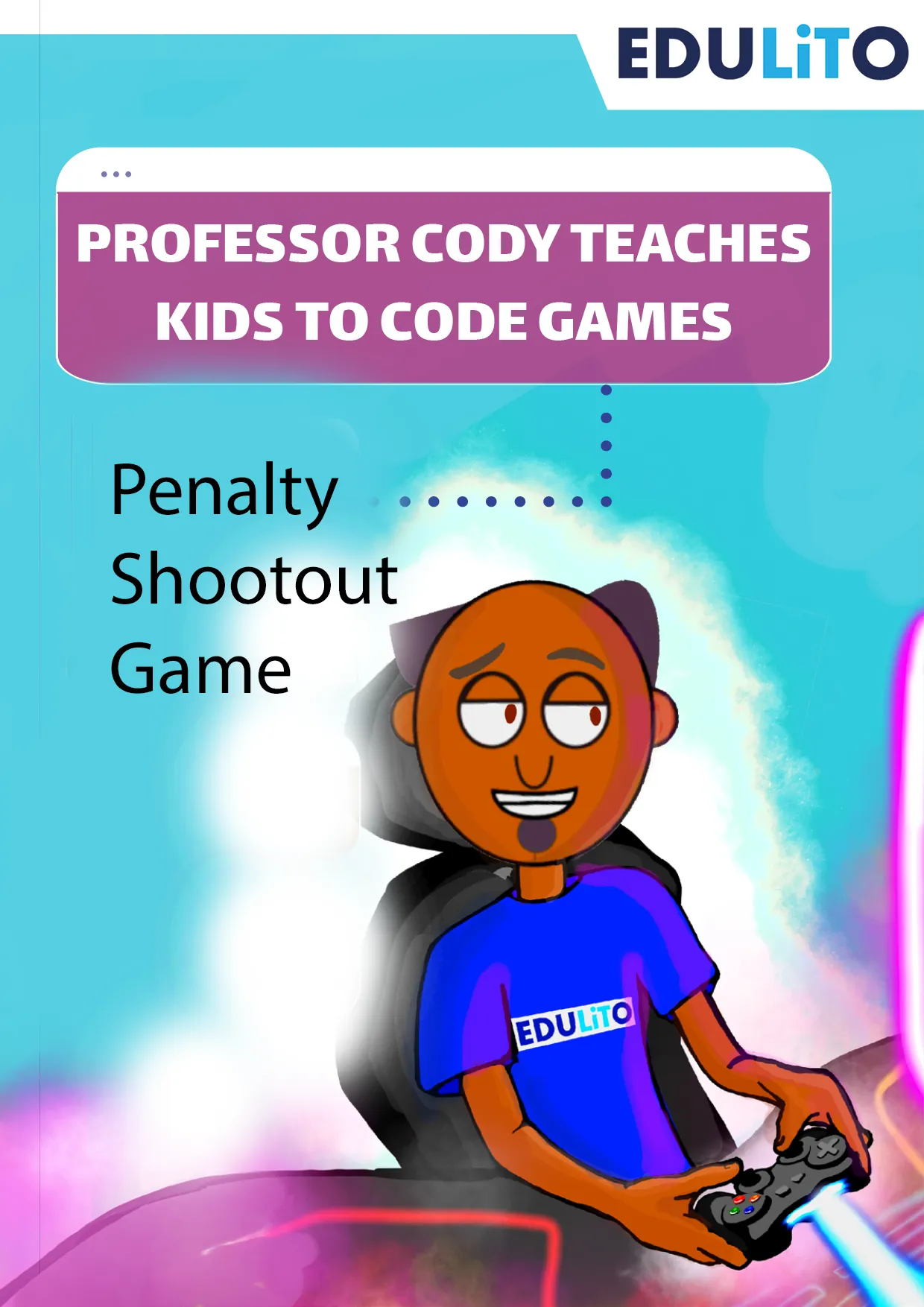
Welcome to Professor Cody's Penalty Shootout Game using Scratch 3.0. Students will have the chance to code an exciting soccer game. Each player gets to choose their team and the penalty shootout begins.
This game works best if you’re using the web-based version of Scratch 3.0 or the downloaded computer version and you are using a keyboard.
Related resources
More resources teachers may find useful
24 related resources were found using this product's title, contributor, categories and tags.


In the classroom
Teaching tips & learning objectives

Learning objectives
Build and edit Scratch sprite scripts using existing code blocks shown in the guide.
Create and update variables to track scores, team names, and penalty counts.
Use conditional (if/else) blocks to determine whether a penalty results in a goal or a save.

Teaching tips
Open the linked Scratch template before class starts, since the guide builds directly on its existing sprites and does not have students create art assets from scratch.
Follow the steps in order — later sprite scripts (the Net and Soccer Ball win-condition code) depend on the broadcast messages set up in earlier steps.
Have students click the green flag to playtest after each major section (goalkeeper movement, penalty-taking, win logic) rather than waiting until the end to catch errors early.

Skills covered
Sequential program construction — students add code blocks to specific sprites in a defined build order across the shootout game.
Variables — students create and increment six variables to track two teams' names, goals, and penalty counts.
Conditional logic — students use if/else blocks so a penalty is scored as a goal or a save depending on whether the ball touches the net or a goalkeeper.
Good to know
Questions teachers ask about this resource
How does the code decide whose turn it is to take a penalty?
Broadcast messages alternate control: a Team 1 Go message runs the code for Team 1's penalty and Team 2's goalkeeper, and a Team 2 Go message reverses the roles for the next kick.
What happens if the two teams are tied after five penalties each?
The project broadcasts a No Winner message and repeats the shootout process until one team's goal count is ahead of the other's.

No reviews yet
Downloaded this resource? Tell other teachers how it went.
Resource details
Concepts & topics
Core concepts
 Core concepts
Scratch sprites and scripts
Variables
Conditional logic
Broadcast messaging
Topics
 Topics
Explore more
Categories this resource belongs to
Explore related searches
More to explore
You may also like